 DARK MATTER
Artificial intelligence · 6 min read · Updated
How do I automate my company's invoices with artificial intelligence?
Short answer
To automate your company's invoices with artificial intelligence, let the system build each invoice from the orders, prices and credit terms it already has on record, and use AI only where data arrives messy, such as an order typed in a message or a supplier invoice in PDF. Anything that involves money is approved by a person before it goes out. AI helps read and classify; the totals must come from fixed rules.
Also asked as
- How do I automate invoices in Excel or with AI?
- Can AI read supplier invoices and record them on its own?
- How do I stop creating invoices by hand every week?
What automating invoices actually means
Automating invoices doesn't mean an AI decides how much to charge. It means the system generates the document from data that already exists: the customer, the products, the prices, the credit terms and the payments received. Nobody retypes what was already recorded at the sale.
What to automate with rules and what with AI
The calculations on an invoice (subtotals, taxes, due dates and balances) must come from fixed rules, because they have to give the same result every time. Artificial intelligence is useful for what arrives without a format: an order sent over WhatsApp, a supplier PDF or a photo of a receipt.
Mixing the two without separating them is the most common mistake: an AI that calculates totals can get them wrong, and a fixed rule can't understand a message typed in a hurry.
How the flow works from start to finish
- The order arrives at the counter, through an app, a portal or a message.
- The AI reads the message or document and proposes the data; a rule checks it against your catalog and prices.
- The system builds the invoice with that customer's credit terms.
- A person reviews anything doubtful and approves before sending.
- Payments are applied to the invoice and the customer statement updates itself.
What about supplier invoices
Reading a supplier invoice in PDF and carrying it into purchasing is a task where AI saves a lot of typing. The system should flag whatever doesn't match the purchase order and ask for confirmation, instead of recording something doubtful on its own.
When an off-the-shelf tool is enough
If you invoice a few times a month and your customers pay up front, QuickBooks or an Excel sheet may be enough. A custom system makes sense when you invoice on credit with different terms per customer, when the invoice depends on inventory or on sales by weight or by box, or when your team repeats the same data in several programs.
What drives the cost and how to start
What moves the investment most is how many customer types and credit terms you handle, where orders come from, which accounting systems it must connect to and how many documents need to be read with AI. We don't give a number without knowing your operation: after a free assessment we deliver a written proposal with scope, phases, timeline and investment.
What we check first in an assessment
We ask to see three real invoices: a normal one, one on credit and one that had an error in the past. From those we see where each piece of data comes from, who corrects it and what repeats every week, which is exactly what is worth automating first.
How we solved it
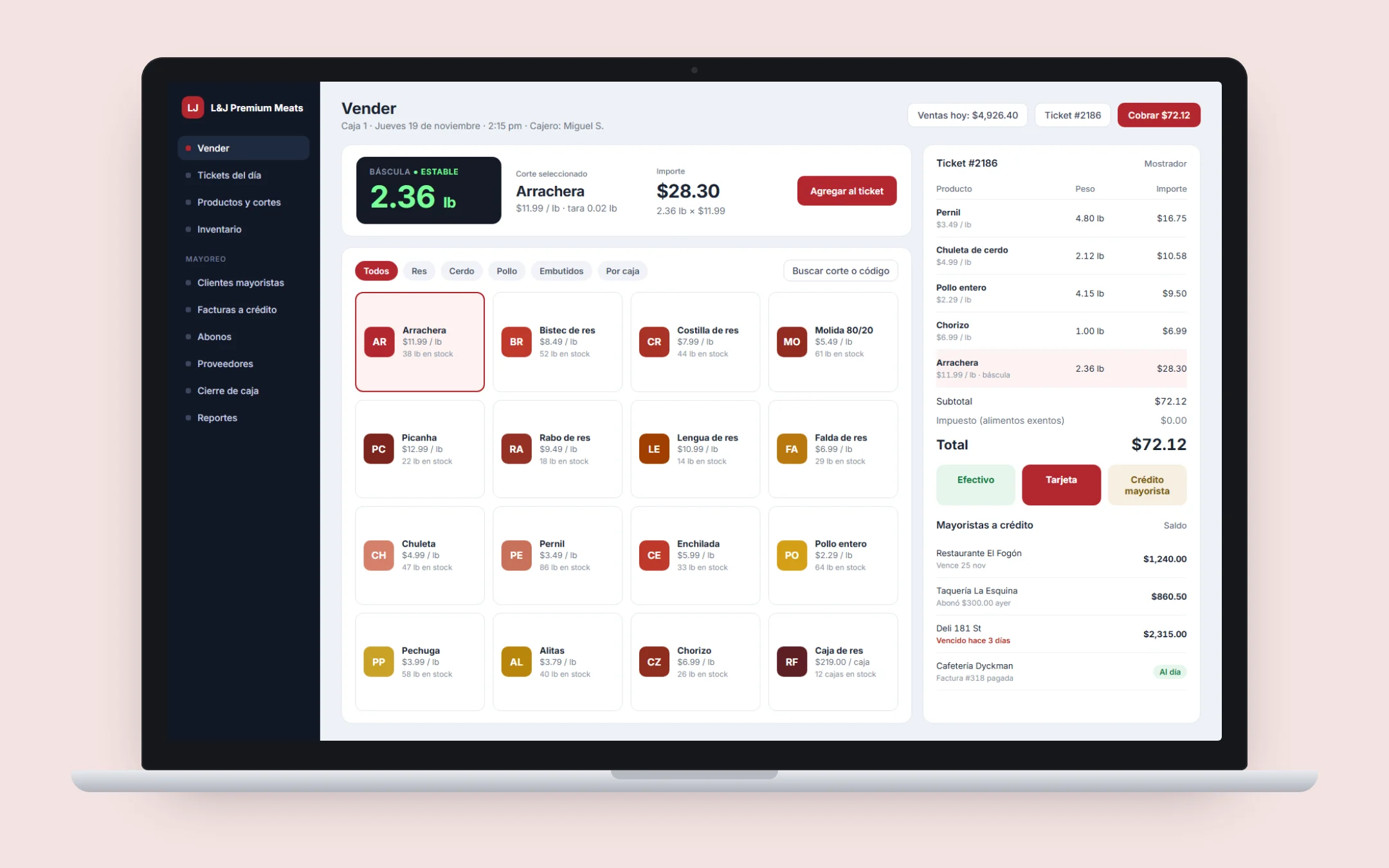 Food retailL&J Premium MeatsFor L&J Premium Meats, a Latin butcher shop in Manhattan, we built a custom POS that handles retail sales and wholesale orders from restaurants, with credit invoices, payments and customer statements. Before that they tracked restaurant accounts with notes and spreadsheets.See the project →
Illustrative image with sample data; the real screens are private to the client.
Related questions
Can AI send invoices without me reviewing them?
Technically yes, but we don't recommend it. The usual setup is that the AI proposes and a person approves anything that moves money, at least until the system proves it gets your real cases right.
Can it connect to QuickBooks?
Yes. If your books are already there, the system can send invoices and payments so nothing is entered twice.
How much does invoice automation cost?
It depends on customer types, credit terms, integrations and the documents to be read. After a free assessment we give a written proposal with scope and investment.
Does your business have this question?
Walk us through your operation in a free assessment and get a written proposal with scope, phases, timeline and investment.
Keep reading
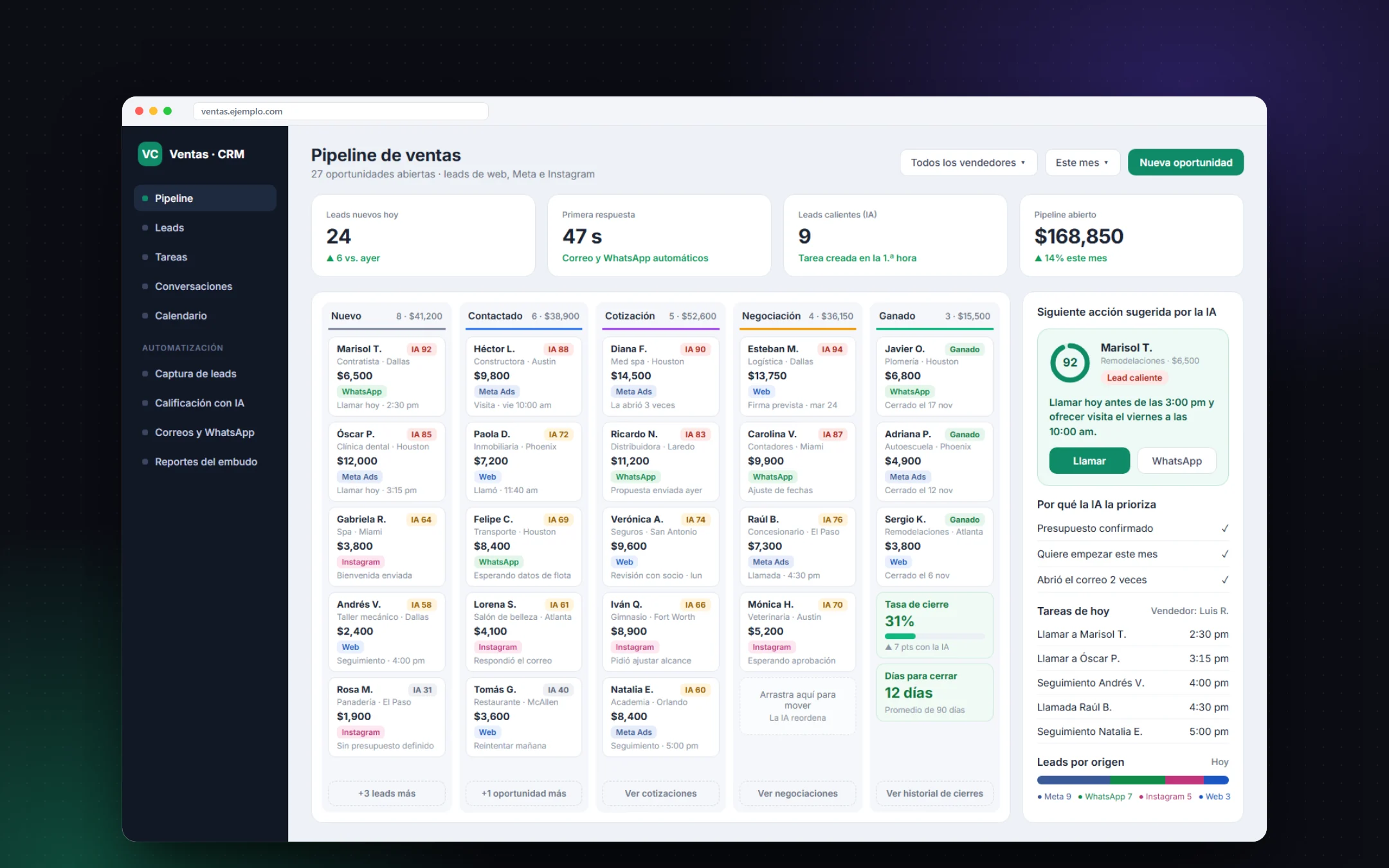 Artificial intelligence · 6 min readHow do I start automating my business with artificial intelligence?Start with one repetitive process that already costs hours or money, such as replying to leads, following up with customers or capturing data, and connect AI to the tools you already use (CRM, WhatsApp, forms). Measure the result in weeks, then automate the next process. AI performs when it works with your real data and clear rules for when to hand off to a person.Read the answer →
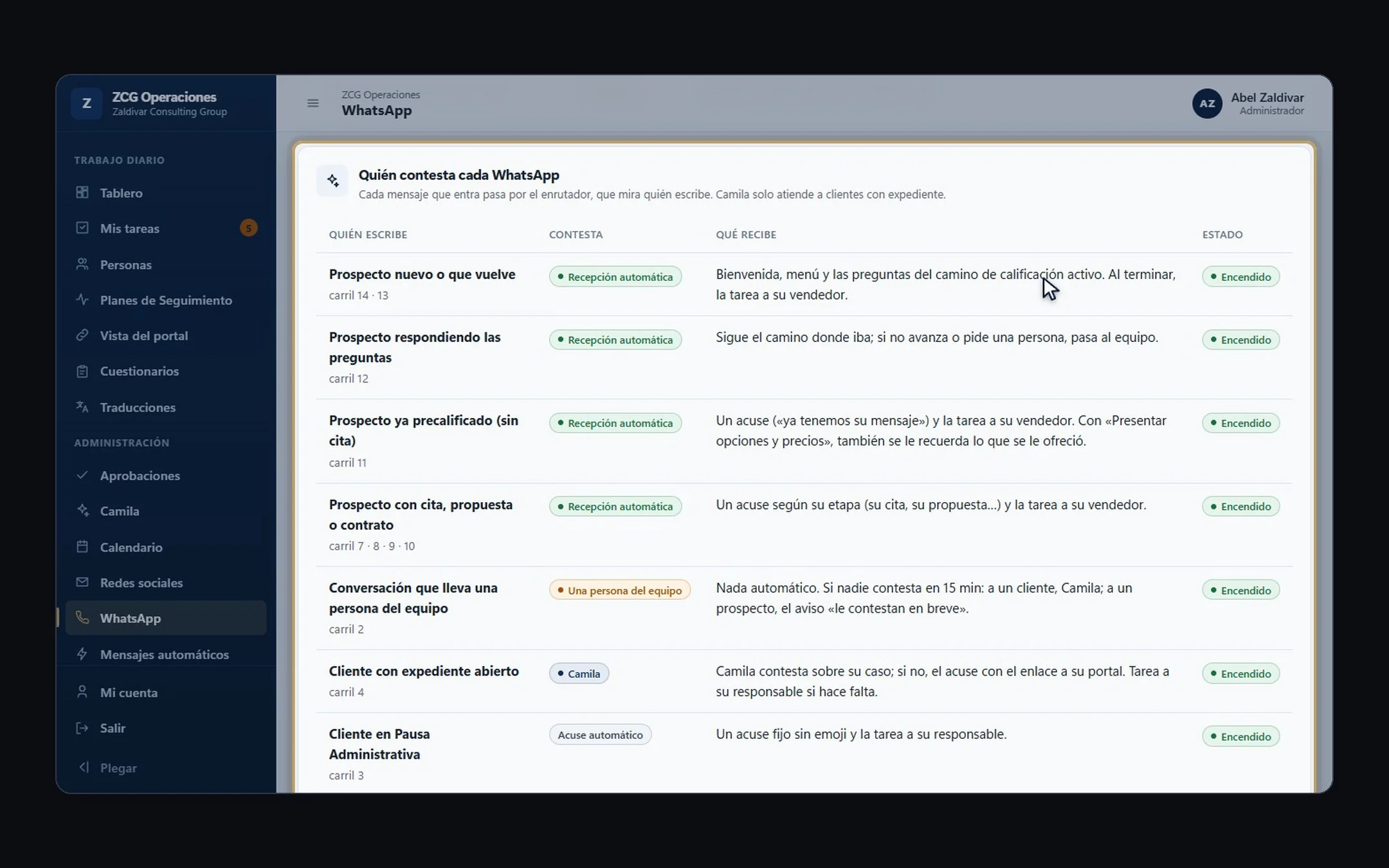 Artificial intelligence · 5 min readCan an AI assistant handle my customers on WhatsApp?Yes. An AI assistant can answer on WhatsApp around the clock with your company's real information: order or case status, hours, prices, missing documents. The key is connecting it to your systems, limiting what it can say and handing the conversation to a person when the case needs it.Read the answer →
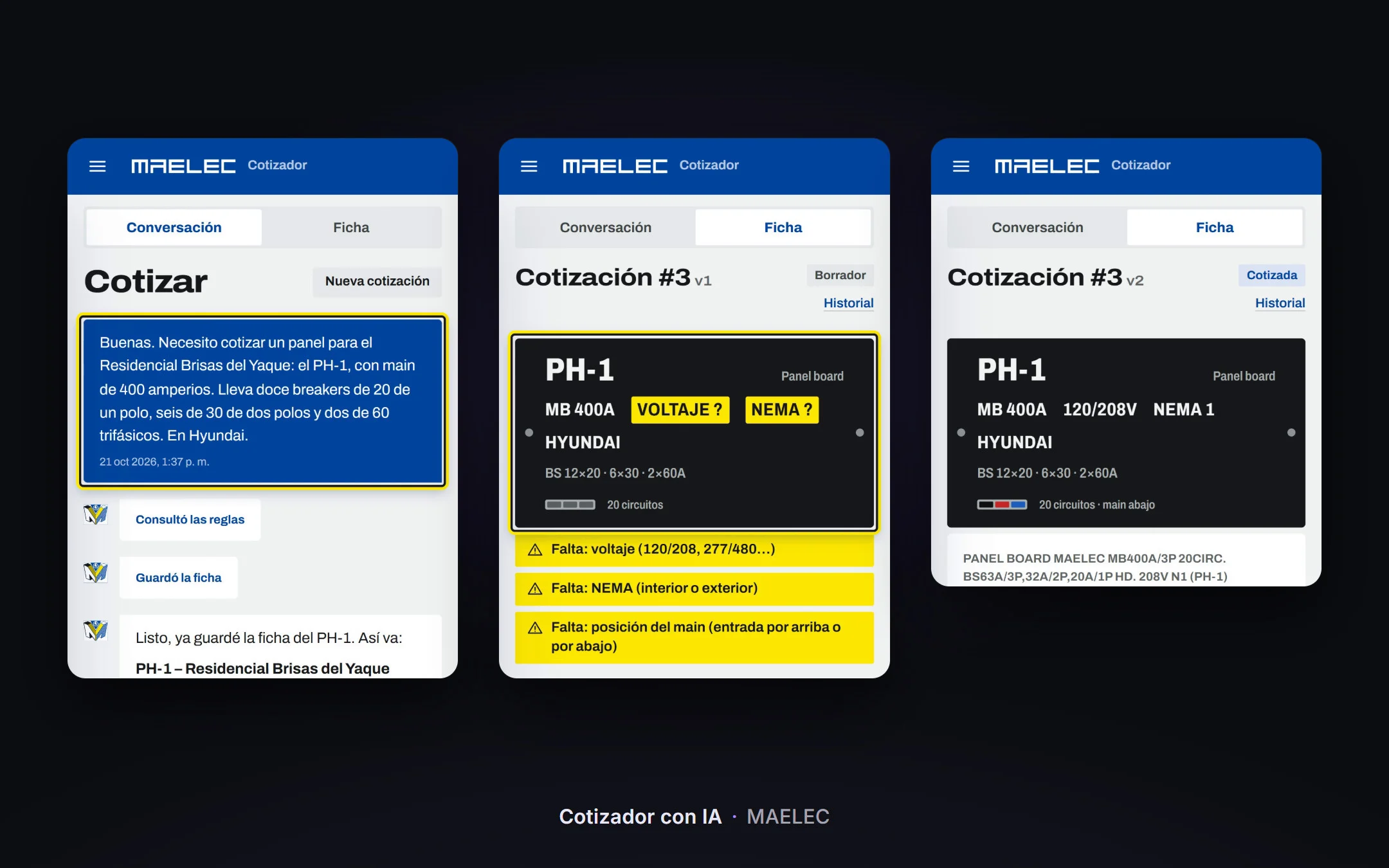 Artificial intelligence · 5 min readHow do you build an automatic AI quoting tool for a technical equipment distributor?An automatic AI quoting tool for a distributor takes the order typed the way you would tell a colleague, builds the spec sheet for each piece of equipment, asks only for what is missing and quotes with the prices in your ERP. A spreadsheet with formulas is enough when your products have few combinations; a custom quoting tool makes sense when every quote means checking sizes, brands and price lists by hand and each salesperson does it their own way.Read the answer →