 DARK MATTER
Point of sale · 5 min read · Updated
How do I handle cash reconciliation and commission payroll when I have several locations?
Short answer
To reconcile cash and run commission payroll across several locations, every shift, sale and cash movement has to be recorded in one system instead of one spreadsheet per location. Off-the-shelf software is enough if you have one location and pay fixed salaries; a custom system makes sense when you pay hourly plus commission, hand over cash in envelopes per location and want to see each site and each employee in real time.
Also asked as
- How to do daily cash reconciliation for a business with several locations
- Hourly plus commission payroll software
- How to track cash and staff hours across multiple locations
What the system should record in every shift
- Who clocked in and out, at which location and at what time.
- Every sale, with its payment method and the employee who made it.
- The cash received and the cash handed over at close.
- Early-close requests with their approval.
- Supply inventory used by sales, with low-stock alerts.
Why spreadsheets fail with several locations
When each location keeps its own sheet, hours, sales and cash are merged by hand at the end of the period. A typing error at one location flows into payroll and nobody knows where the difference came from.
When the shift, the sale and the payment are recorded at the moment they happen and in the same system, reconciliation stops being an investigation and becomes a comparison between what was sold and what was handed over.
How hourly-plus-commission payroll is calculated
You need two reliable data points per employee: hours worked and the sales that belong to them. When both come from the same record of shifts and sales, the system can calculate the hourly pay, add the commission and show the breakdown, with no manual recalculation.
Commission rules vary by business, so they are defined with you and written into the system.
Cash envelopes and control per location
If cash is handed over in envelopes, each envelope should be tied to a location, a shift and a person responsible. That way, when the amount does not match cash sales, you know which shift and who to check with.
Supervisors need rankings, schedules and alerts without waiting for the weekly report.
Off-the-shelf software or a custom system
Off-the-shelf software works if you have one location, fixed salaries and a standard process. What matters is that your team uses it every day.
A custom system makes sense when several locations share staff, you pay hourly plus commission, you handle cash in envelopes, or you need PDF and Excel reports by location and by employee.
What drives the cost
It depends on how many locations and users there are, the commission and payroll rules, whether it includes inventory and alerts, the hardware (ticket printer) and how much data must be migrated from spreadsheets. We do not give loose figures: after a free assessment you get a written proposal with scope, phases and investment.
What we check first in an assessment
We follow one full day at one location: who opens, how each sale is recorded, how cash is counted and how those figures reach payroll. That shows where information gets lost and what to automate first.
How we solved it
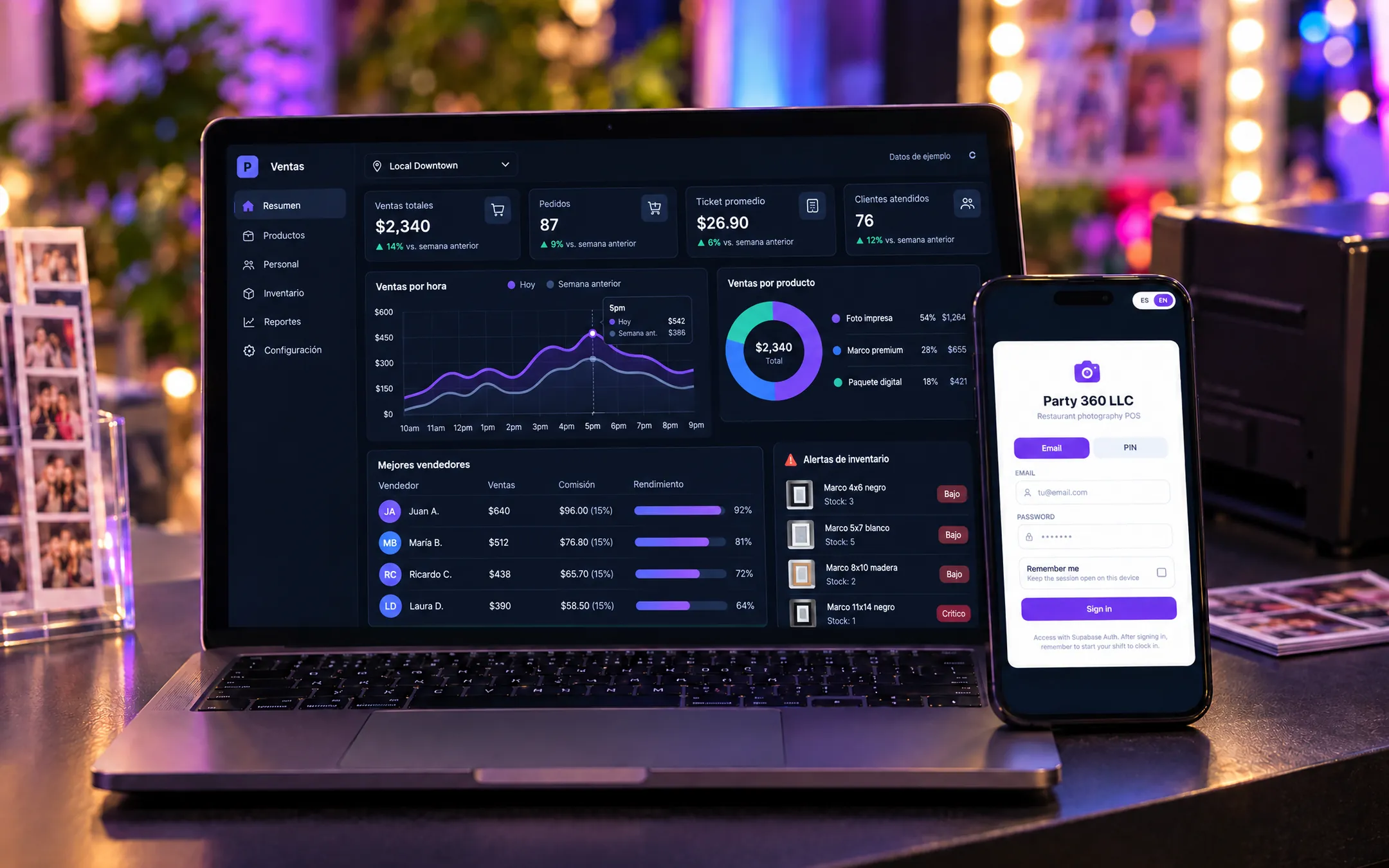 HospitalityParty 360 POSParty 360 sells event photos inside partner restaurants across several cities. We built them a POS and operations platform where each seller clocks in at a location with a PIN, rings up framed, unframed and bundled photos and closes cash at the end, while supervisors and admins see everything in real time. The platform calculates hourly-plus-commission payroll, tracks cash envelopes per location, controls frame and paper inventory with low-stock alerts, and notifies supervisors on Telegram. Before, sales, hours and cash across many locations were tracked in spreadsheets.See the project →
Illustrative image with sample data; the real screens are private to the client.
Related questions
Can I start with shifts and cash closing only?
Yes. It is common to start with shift clock-in and cash closing per location, and add payroll, inventory and alerts in later phases.
Does it work if I only have two locations?
Yes. With two locations the problem of merging hours, sales and cash by hand already appears, and the system can grow when you open more.
Can it export to Excel or PDF?
Yes. Reports by location and by employee can be exported to PDF and Excel for your accountant or your own reviews.
Does your business have this question?
Walk us through your operation in a free assessment and get a written proposal with scope, phases, timeline and investment.
Keep reading
Point of sale · 5 min readCustom point of sale, or Square and Clover?Square or Clover are enough if you sell in a standard way in one or a few stores. A custom POS pays off when you sell by weight or on credit, run wholesale and retail prices, track shifts, commissions or cash per employee, or need the POS connected to inventory, payroll and reports across locations.Read the answer →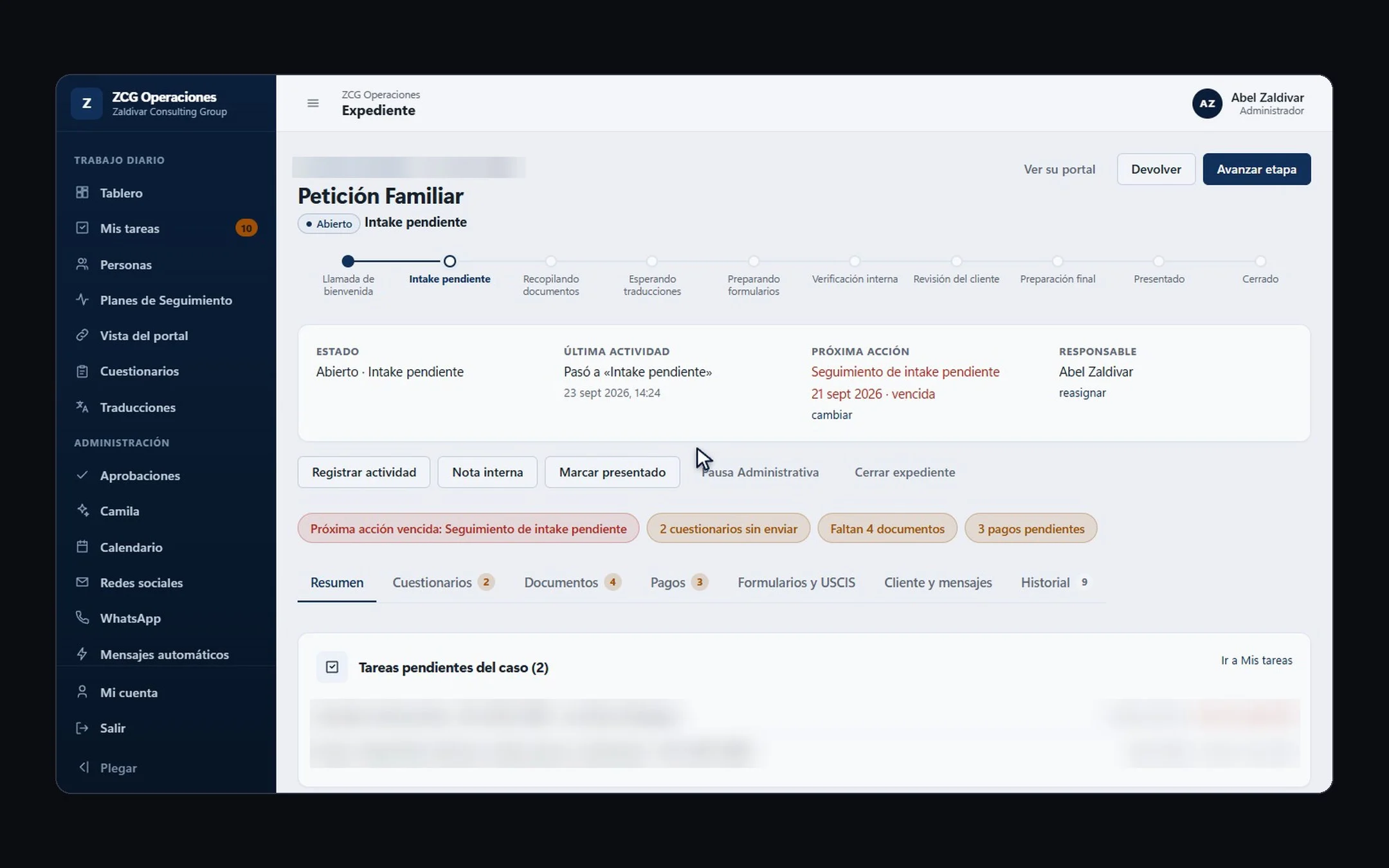 Hiring a developer · 6 min readHow do you choose a custom software development company in the US?Pick a company with real projects similar to yours, that understands your operation before talking technology, and that puts scope, phases, timeline and investment in writing. Before signing, confirm who owns the code, what support looks like after launch, and that they can work in your team's language.Read the answer →
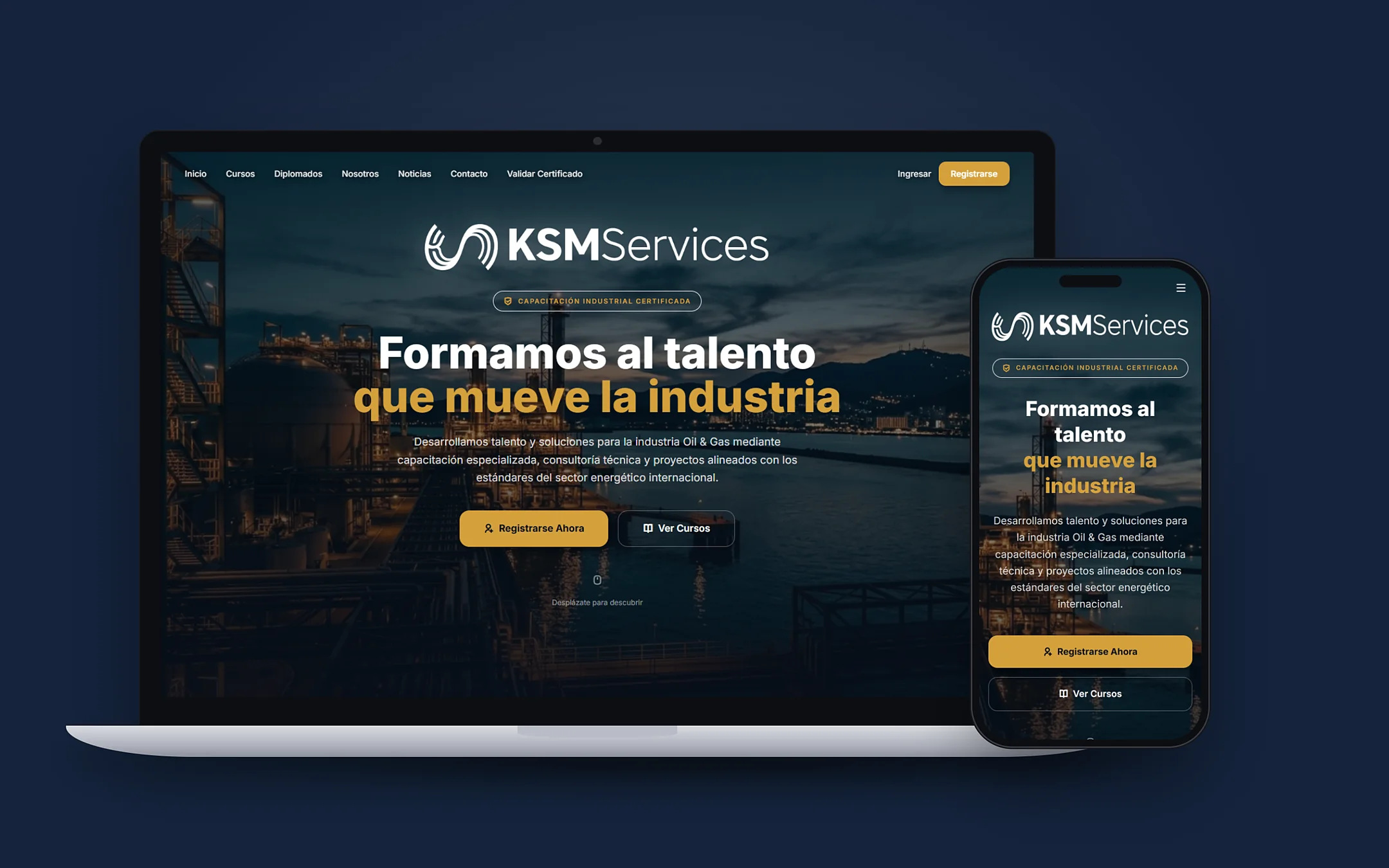 Hiring a developer · 8 min readWhat are the best custom software and AI automation options for Hispanic small businesses in the US in 2026?For most Hispanic small businesses in the US, a bilingual software studio that understands the operation, builds in phases and leaves the code in the client's name is the best fit. A freelancer works for something small and one-off; a no-code tool for a simple process; an offshore agency if you have someone to manage it in English; and a big consultancy if you are a large company. Below are the criteria to compare anyone, including us.Read the answer →