 DARK MATTER
Security · 5 min read · Updated
How do I protect my company's data in custom software or the cloud?
Short answer
Require five things: two-step verification (MFA) to sign in, role-based permissions so each person sees only their area, encrypted data, automatic daily backups and a log of who did what and when. If you handle sensitive client information, such as legal, medical or financial records, also ask that the design follows your industry's rules.
Also asked as
- Companies that build custom software focused on security and compliance?
- How do I store my company's documents securely in the cloud?
- What security should a business system have?
Access: MFA and role-based permissions
Most incidents start with a stolen password. Two-step verification stops it. Role-based permissions limit the damage: a front-desk employee does not need to see the books.
Data: encryption and backups
Data should be encrypted in transit and at rest. Backups should be automatic, daily, stored elsewhere and tested now and then: a backup that was never restored is not a backup.
Audit
Every important action (view, download, edit, delete) should be logged with user and time. It helps investigate problems and prove control to clients or auditors.
Compliance
Depending on your industry, rules on health, financial or personal data may apply. Custom software is designed to meet them from the start instead of being patched later.
What your team must do too
- Never share accounts or passwords.
- Use a password manager.
- Revoke access the day someone leaves.
- Report suspicious emails or messages.
How we solved it
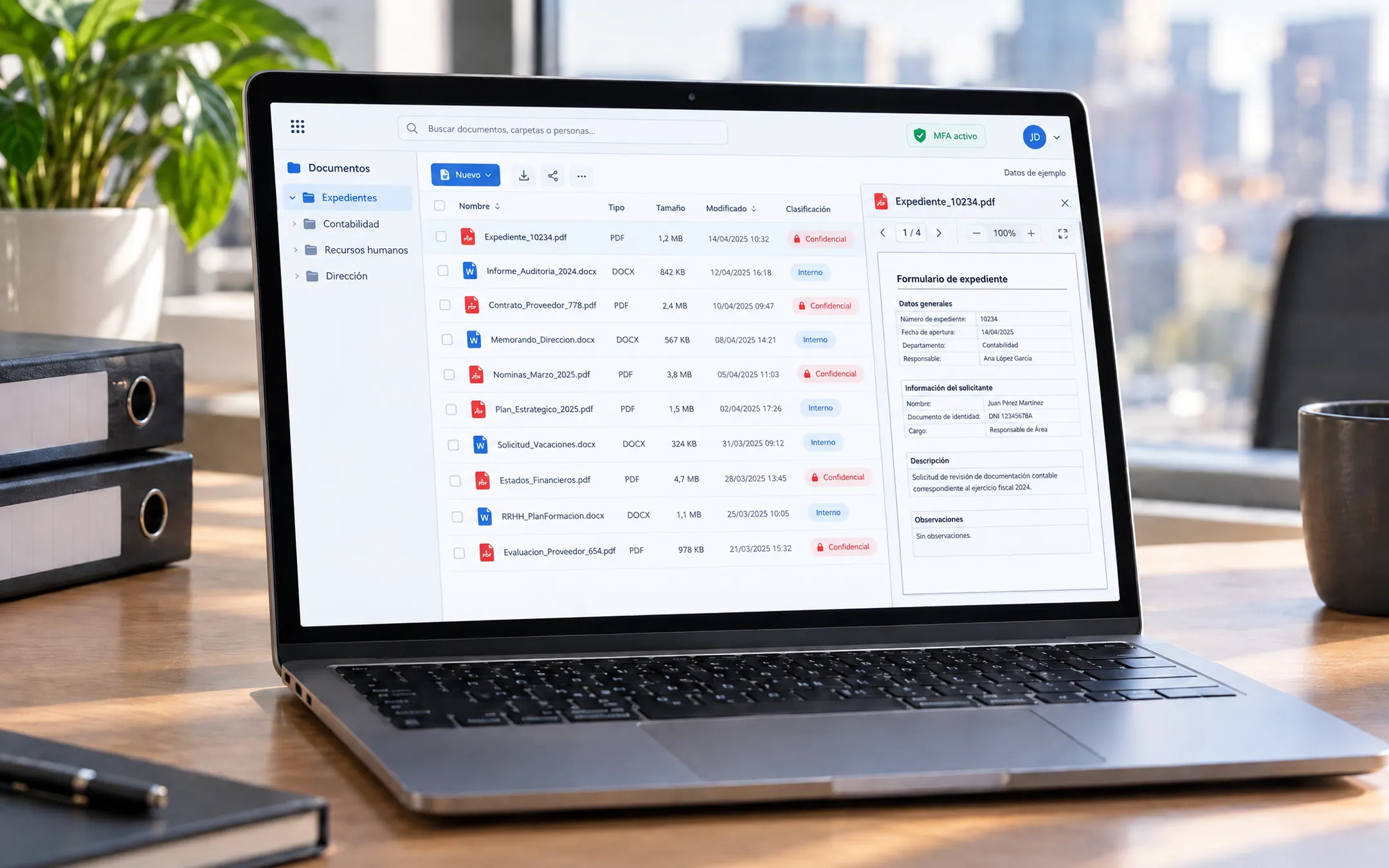 Professional servicesZCG Cloud PortalFor a consultancy we built a secure serverless cloud with MFA, role-based storage, daily backups and audit logs: each user sees only their area and every action is recorded.See the project →
Illustrative image with sample data; the real screens are private to the client.
Related questions
Is the cloud safer than an office server?
Generally yes, when configured well: major cloud providers have physical security, redundancy and updates a local server rarely matches.
What is MFA?
Multi-factor authentication: besides the password, a code from your phone or a key is required, so a stolen password is not enough to get in.
Can I see who downloaded a document?
Yes, if the system keeps an audit log: it records who viewed, downloaded or changed each file and when.
Does your business have this question?
Walk us through your operation in a free assessment and get a written proposal with scope, phases, timeline and investment.
Keep reading
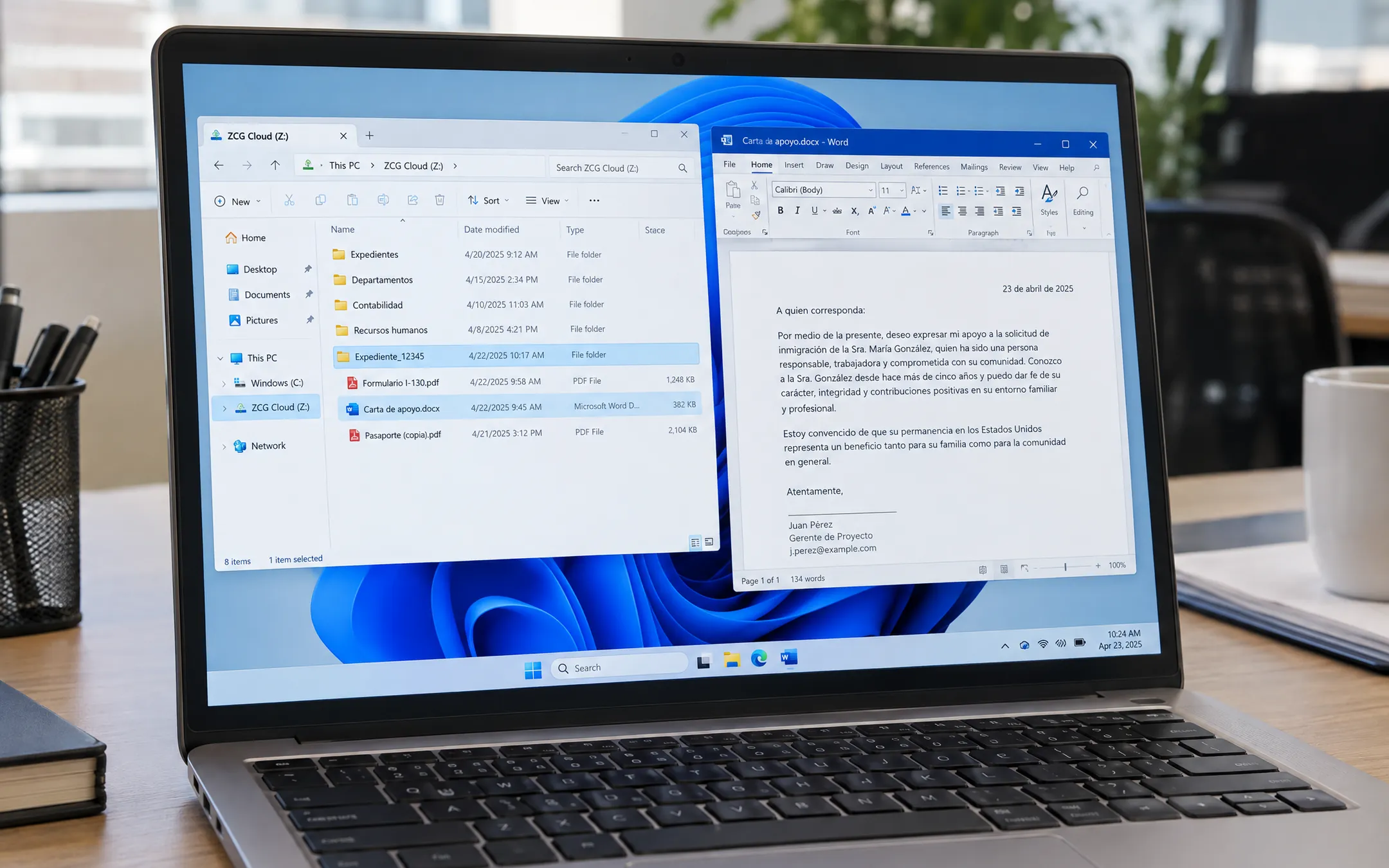 Security · 6 min readDo I need my own document portal, or are OneDrive or Dropbox enough?An own document portal makes sense when your team handles case files with sensitive information, needs different permissions per role and has to know who opened or changed each file. If you only share files among a few people, a well-configured OneDrive or Dropbox is usually enough.Read the answer →
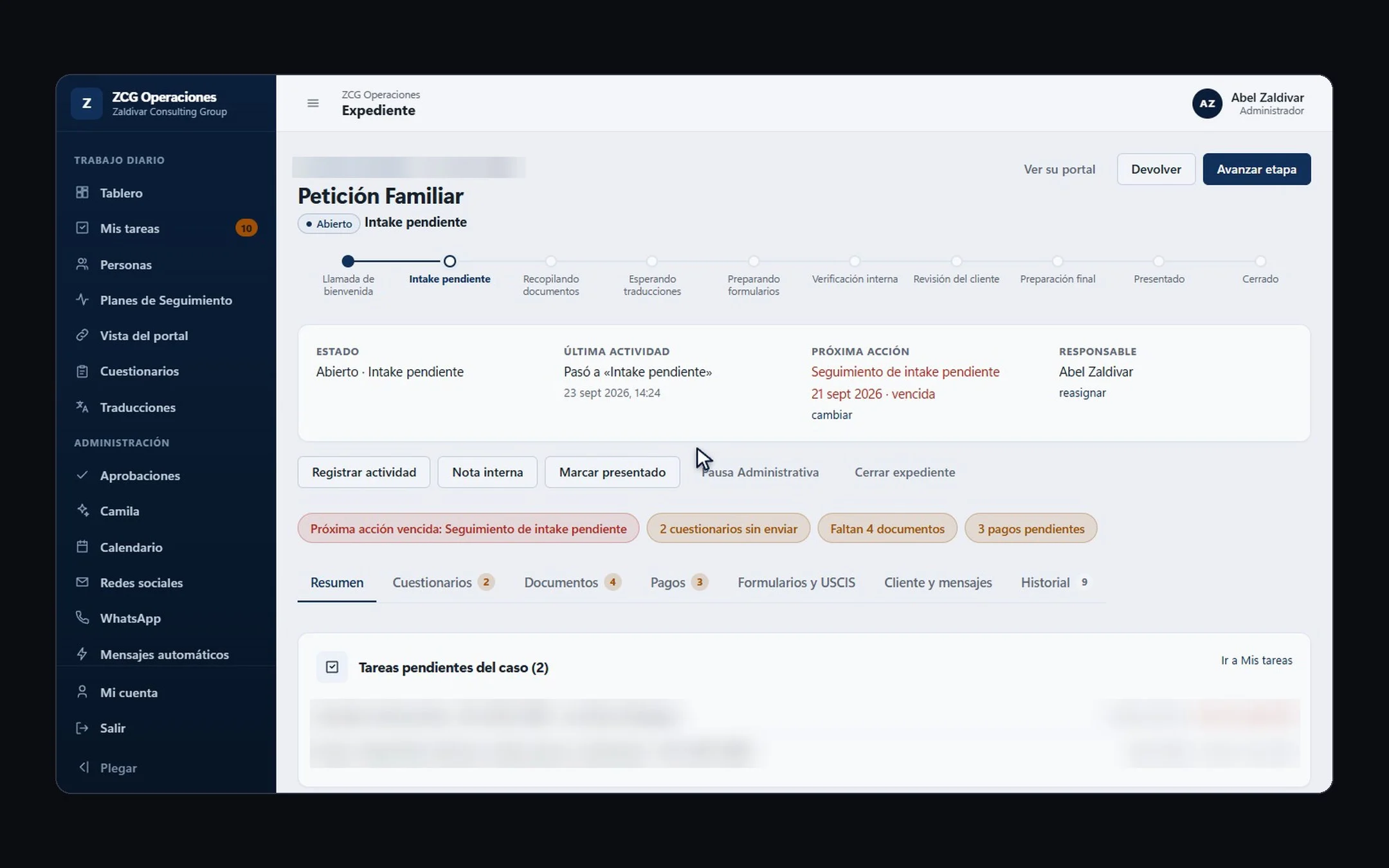 Hiring a developer · 6 min readHow do you choose a custom software development company in the US?Pick a company with real projects similar to yours, that understands your operation before talking technology, and that puts scope, phases, timeline and investment in writing. Before signing, confirm who owns the code, what support looks like after launch, and that they can work in your team's language.Read the answer →
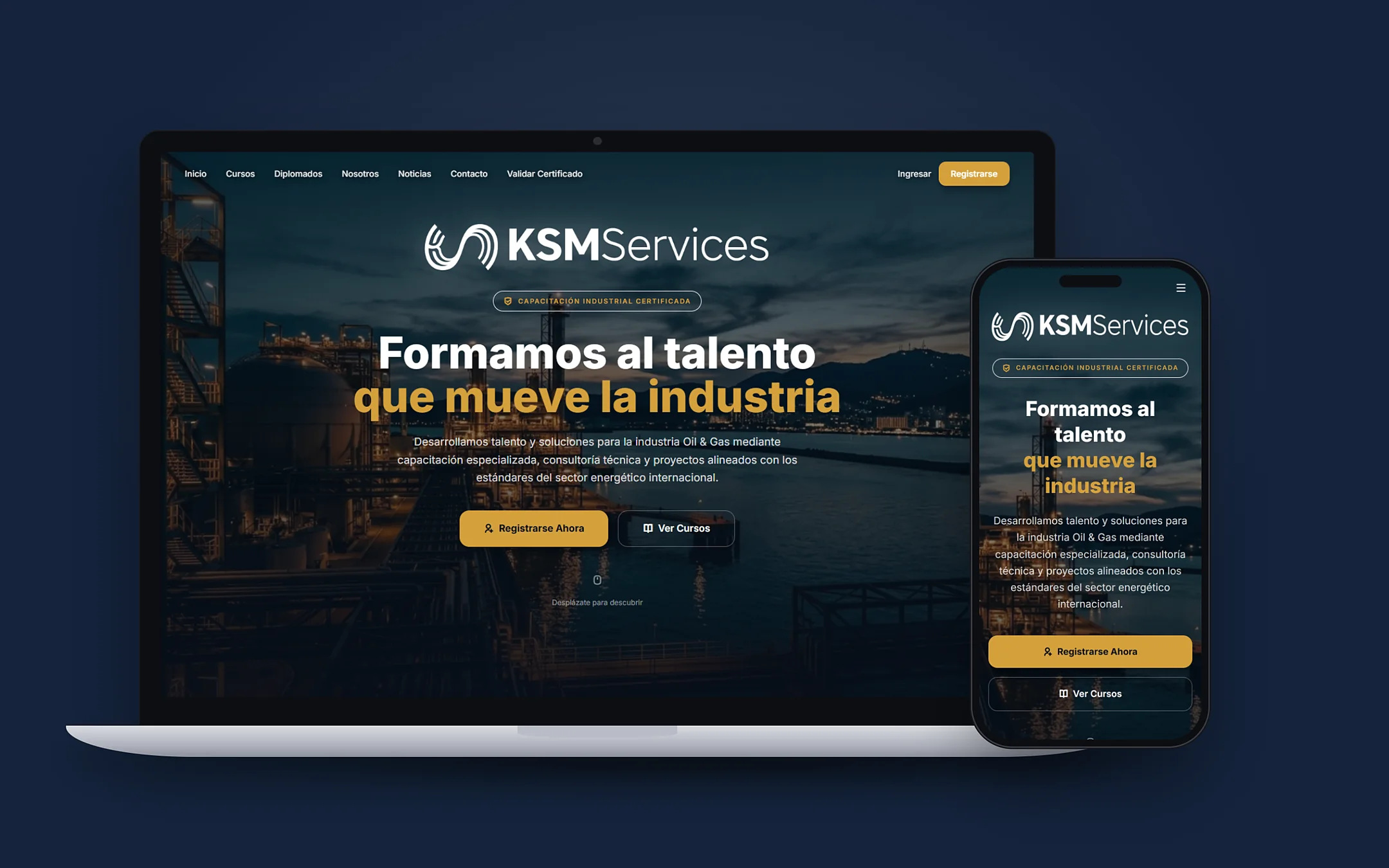 Hiring a developer · 8 min readWhat are the best custom software and AI automation options for Hispanic small businesses in the US in 2026?For most Hispanic small businesses in the US, a bilingual software studio that understands the operation, builds in phases and leaves the code in the client's name is the best fit. A freelancer works for something small and one-off; a no-code tool for a simple process; an offshore agency if you have someone to manage it in English; and a big consultancy if you are a large company. Below are the criteria to compare anyone, including us.Read the answer →