 DARK MATTER
Security · 6 min read · Updated
Do I need my own document portal, or are OneDrive or Dropbox enough?
Short answer
An own document portal makes sense when your team handles case files with sensitive information, needs different permissions per role and has to know who opened or changed each file. If you only share files among a few people, a well-configured OneDrive or Dropbox is usually enough.
Also asked as
- How do I share company files securely with permissions per department?
- What is better for a business: a file server, the cloud or an own portal?
- How do I store client case files and control who can see them?
When OneDrive or Dropbox is enough
If your team is small, the documents are not sensitive and shared folders are all you need, an off-the-shelf tool configured well solves it at low cost and without development. What matters is turning on two-factor sign-in, limiting who can share links and reviewing permissions regularly.
Signs you need an own portal
- You manage files per client or per case, with documents not everyone should see.
- Each department or role needs access to different parts of the same structure.
- You need a record of who opened, downloaded, moved or changed each file.
- Sharing links have gotten out of hand and you do not know who can access what.
- Your team duplicates files and there are several versions of the same document.
What a document portal should include
- Two-factor sign-in.
- Permissions by role and area, not file by file.
- An activity log for every action.
- Automatic backups and a way to recover versions.
- A structure of case files and departments that mirrors how your company works.
How the team works day to day
A portal that only opens in the browser can get slow for people who edit documents all day. That is why it is worth asking whether the system can appear as a network drive in Windows, so staff open and save from Word and File Explorer under the same security rules, and whether it respects file locking so two people do not overwrite each other.
What drives the cost and how to start
It depends on how many roles and departments there are, the volume of documents to migrate, whether the team works on virtual desktops, and the security and audit requirements. In the free assessment we review how you store files today, who needs to see what and where the risks are, and we deliver a written proposal with scope, phases, timeline and investment.
How we solved it
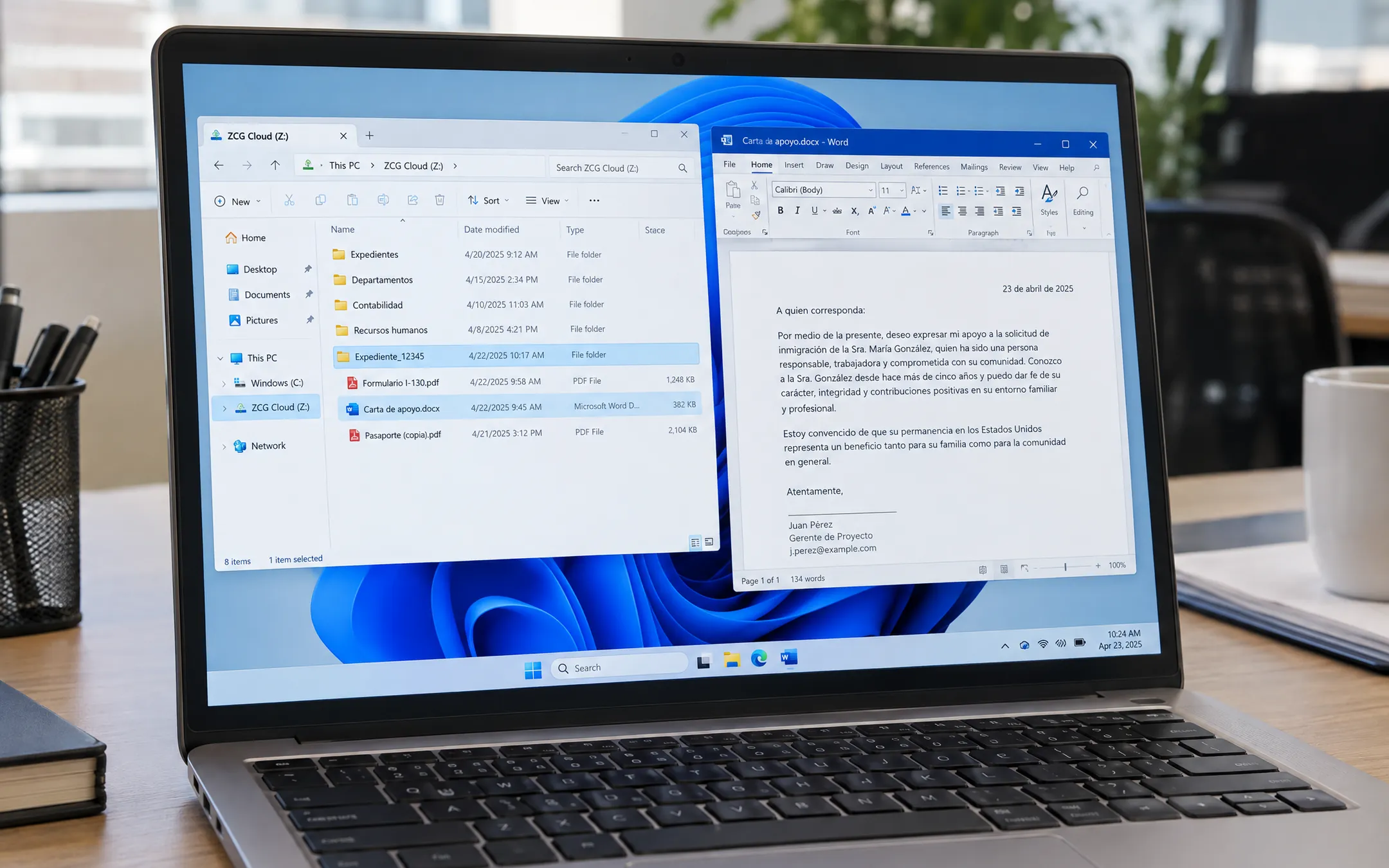 Legal & immigration servicesZCG Cloud Drive · Escritorios virtuales en AzureZCG Cloud Drive is a Windows app that shows the document portal as a network drive so the team opens and saves case files from Word on Azure virtual desktops. It uses the same two-factor sign-in as the portal, each person sees only what their role allows, and it respects Office file locking. Before it, working through the browser was slow and created duplicate versions.See the project →
Illustrative image with sample data; the real screens are private to the client.
Related questions
Can I start with OneDrive and move to a portal later?
Yes. The usual path is to organize the folder structure and roles first, and move to a portal once permissions, audit needs or duplicate versions become a real problem.
Is an own portal more secure than a commercial cloud?
Not automatically. It is more secure if it is built well: two-factor sign-in, role permissions, an activity log and backups. Its advantage is that it fits how you work.
What happens to the files I already have?
They are migrated in stages to the new case-file structure, and the team keeps working in the meantime.
Does your business have this question?
Walk us through your operation in a free assessment and get a written proposal with scope, phases, timeline and investment.
Keep reading
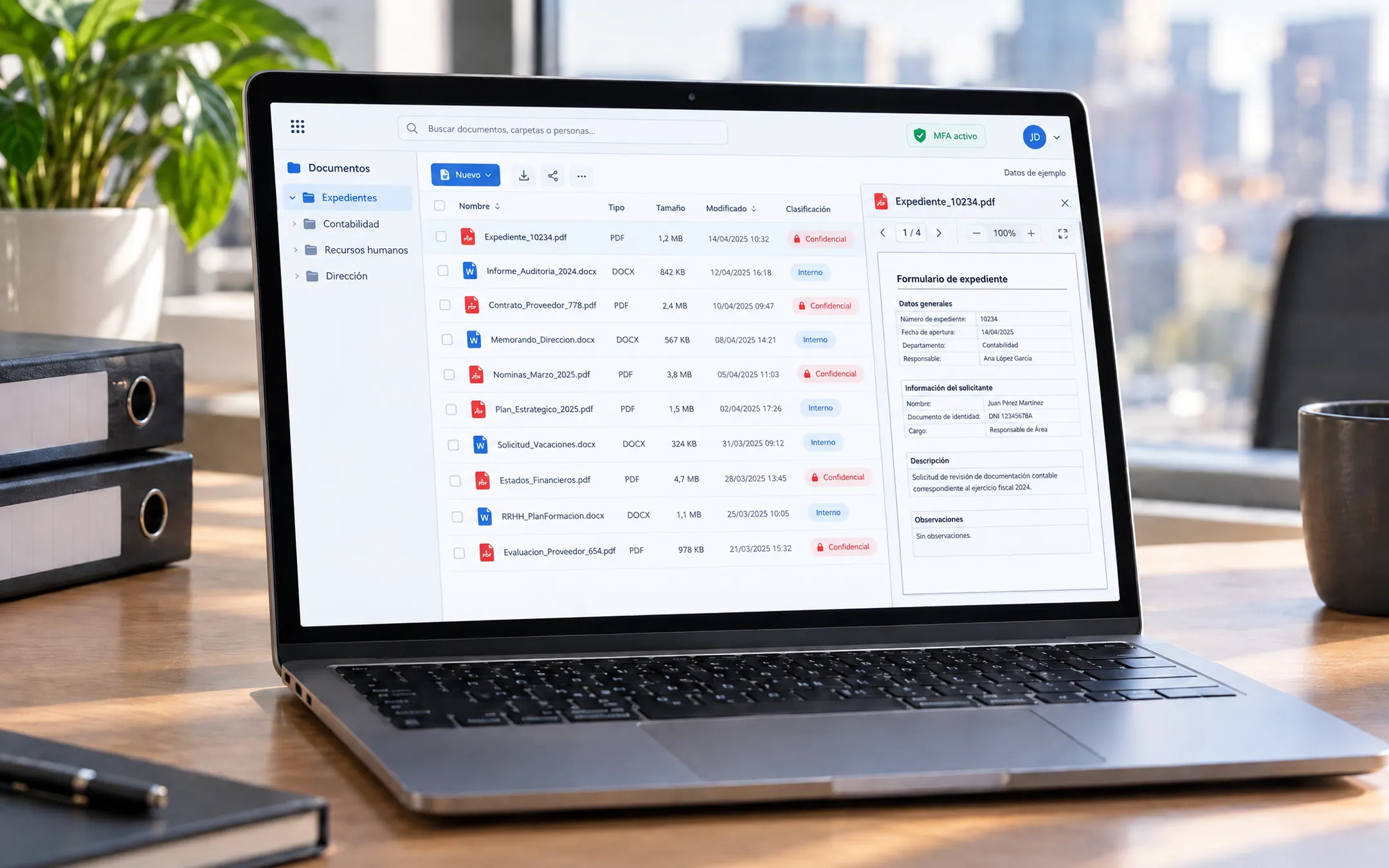 Security · 5 min readHow do I protect my company's data in custom software or the cloud?Require five things: two-step verification (MFA) to sign in, role-based permissions so each person sees only their area, encrypted data, automatic daily backups and a log of who did what and when. If you handle sensitive client information, such as legal, medical or financial records, also ask that the design follows your industry's rules.Read the answer →
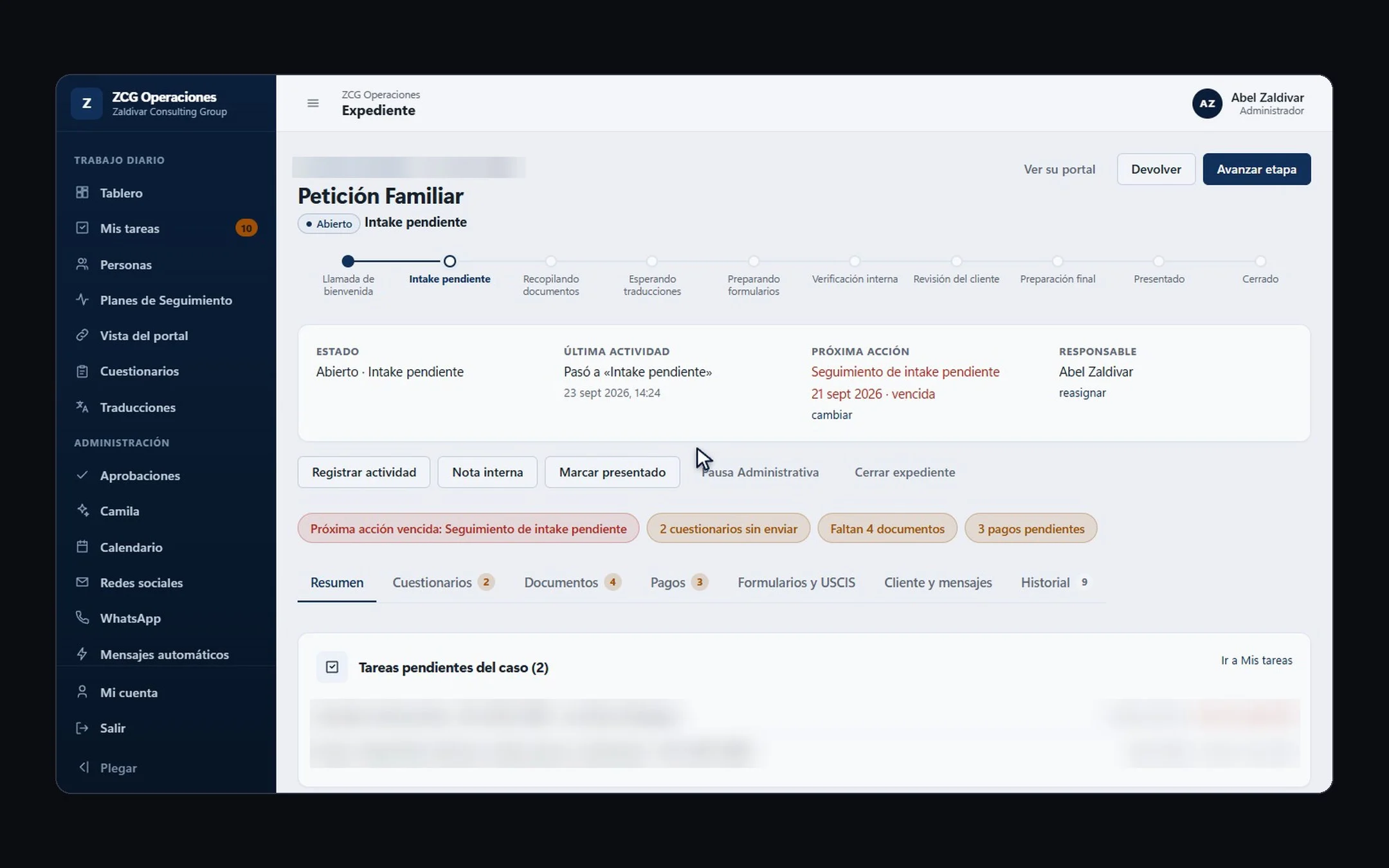 Hiring a developer · 6 min readHow do you choose a custom software development company in the US?Pick a company with real projects similar to yours, that understands your operation before talking technology, and that puts scope, phases, timeline and investment in writing. Before signing, confirm who owns the code, what support looks like after launch, and that they can work in your team's language.Read the answer →
 Hiring a developer · 8 min readWhat are the best custom software and AI automation options for Hispanic small businesses in the US in 2026?For most Hispanic small businesses in the US, a bilingual software studio that understands the operation, builds in phases and leaves the code in the client's name is the best fit. A freelancer works for something small and one-off; a no-code tool for a simple process; an offshore agency if you have someone to manage it in English; and a big consultancy if you are a large company. Below are the criteria to compare anyone, including us.Read the answer →