 DARK MATTER
ERP and operations · 6 min read · Updated
What software does an auto repair shop need, and when does a custom one make sense?
Short answer
Auto repair shop software should run the work order from start to finish: vehicle intake, diagnosis, a quote the customer approves, parts, the technician's work, payment and delivery. Off-the-shelf software is enough if your shop works in a standard way; a custom one makes sense when you serve customers on site, run several locations or fleets, or need technicians, inventory and payments connected.
Also asked as
- Auto repair shop management software
- Shop management software for mechanics
- App for an auto repair shop
What auto repair shop software should do
- A digital work order per vehicle, with customer, plate, history and photos.
- Diagnosis and a quote the customer approves before work starts.
- Job assignment to each technician and live status.
- Parts and supplies inventory deducted per job.
- Payment, invoice and a digital service report.
- Maintenance reminders to the customer.
Off-the-shelf software or a custom system
Off-the-shelf software works when your shop runs in a standard way: one location, one counter, a common workflow. What matters is that your team uses it every day.
A custom system makes sense when your operation goes beyond standard: on-site service, vans or tow trucks on the road, several locations, fleet contracts, or when the system must connect to your inventory, payments or trackers.
When a shop needs a technician app
If technicians work off site or move between bays, a phone app replaces calls and paper: they see the job list, complete a checklist, upload photos as evidence, log the diagnosis and ask for the customer's signature when done.
How to connect inventory, payments and GPS
Every part used should be deducted from the shop's inventory or from the van that carries it. Payment is recorded on the same order, and if you have vehicles on the road, a GPS server shows where each one is so you can dispatch the closest technician.
What drives the cost
It depends on how many processes it covers (intake, quoting, inventory, payments), whether it includes technician and customer apps, integrations with payments or accounting, and how much data must be migrated. We do not give loose figures: after a free assessment you get a written proposal with scope, phases and investment.
What we check first in an assessment
We follow one vehicle from arrival to delivery: who receives it, how it is quoted, who approves, where each part comes from and how it is paid. That shows where time is lost and which part to automate first.
How we solved it
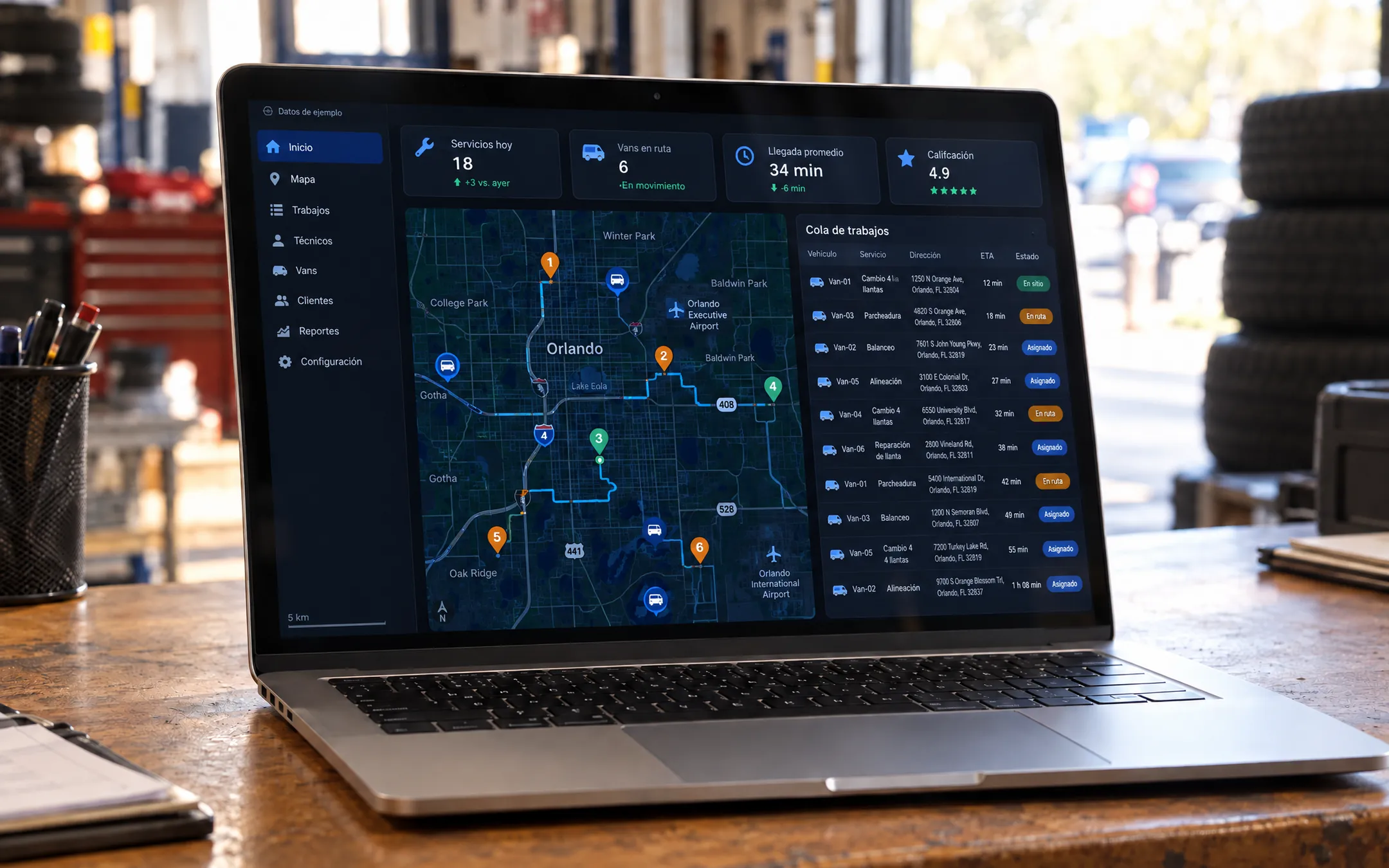 AutomotiveOrlando TiresOrlando Tires is a platform for an on-site tire service. Drivers book in a 7-step flow with a quote and payment, and follow the technician live. The technician uses an app with checklists, OBD2 diagnostics, van inventory and customer signature, and the team dispatches from a console with its own GPS server. Before, the service was coordinated by phone.See the project →
Illustrative image with sample data; the real screens are private to the client.
Related questions
Can I start with work orders only?
Yes. It is common to start with the digital work order and add inventory, payments and a technician app in later phases.
Does it work for a shop with one location?
Yes. A single location also benefits from digital orders and controlled inventory, and the system can grow to more locations.
Can the system read the vehicle's OBD2 diagnostics?
Yes, OBD2 diagnostics can be connected to the work order. The first step is checking which diagnostic equipment you use.
Does your business have this question?
Walk us through your operation in a free assessment and get a written proposal with scope, phases, timeline and investment.
Keep reading
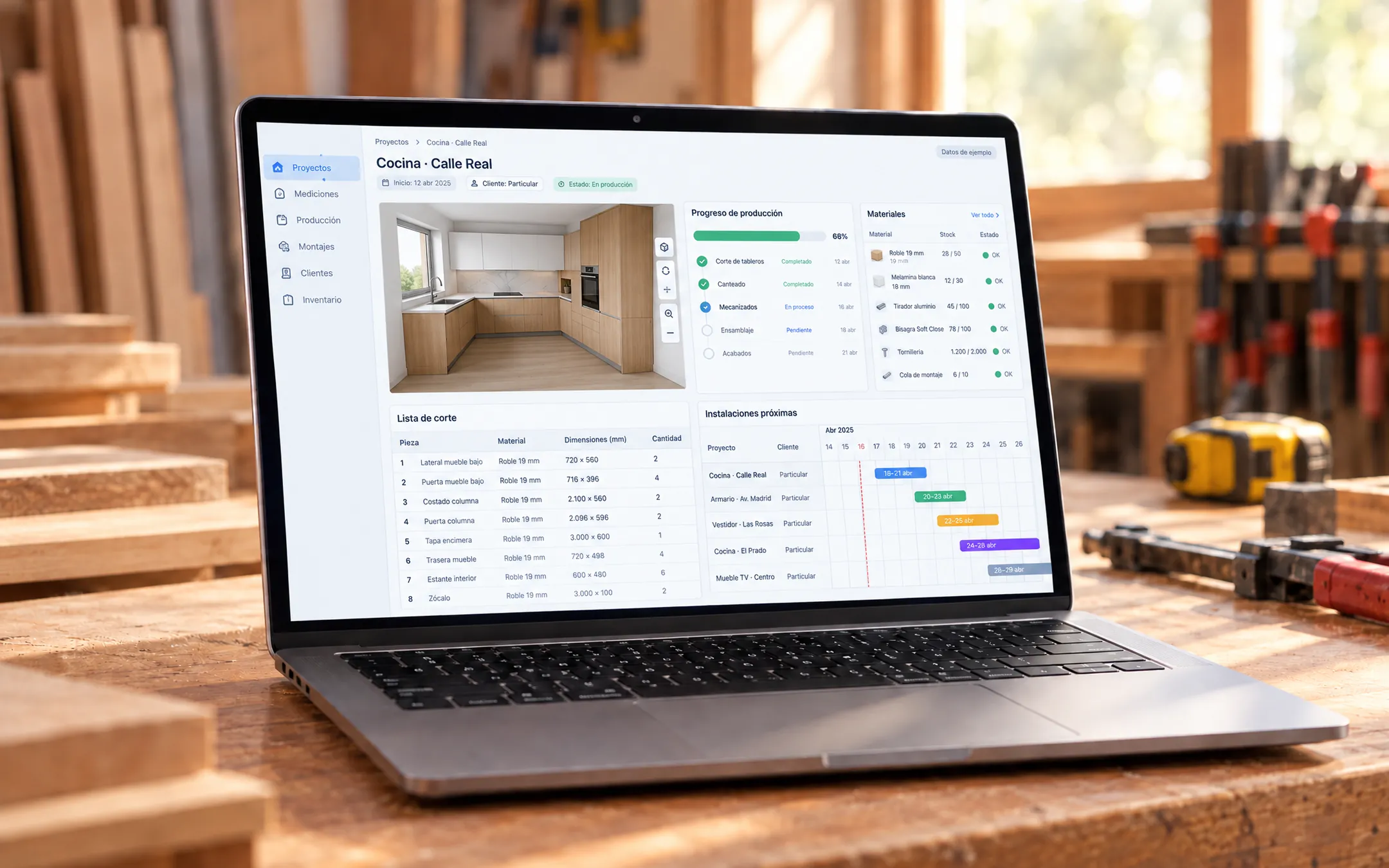 ERP and operations · 6 min readWhat is a custom ERP, and is it worth it for a small business?A custom ERP is a management system built around your company's processes: sales, inventory, production, purchasing, billing and reports on one platform. It pays off for a small business when its way of working does not fit an off-the-shelf ERP without paying for unused modules or still relying on spreadsheets.Read the answer →
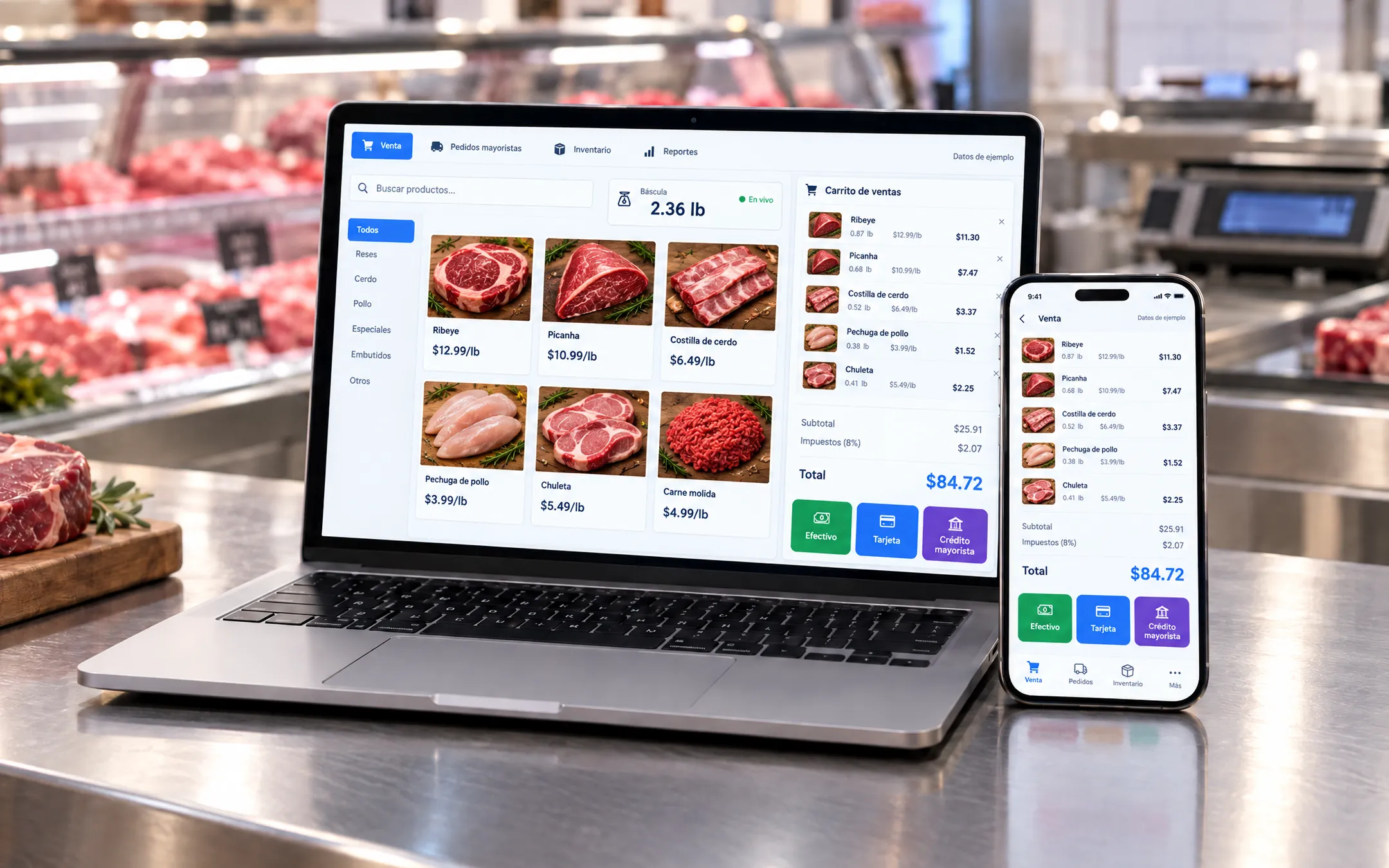 ERP and operations · 5 min readWhich inventory system fits my business: off-the-shelf or custom?An off-the-shelf inventory system fits if your products are counted by unit and your process is standard. A custom one fits when you sell by weight or by the box, give customers credit, run several warehouses or locations, or need inventory connected to your POS, purchasing and reports without retyping data.Read the answer →
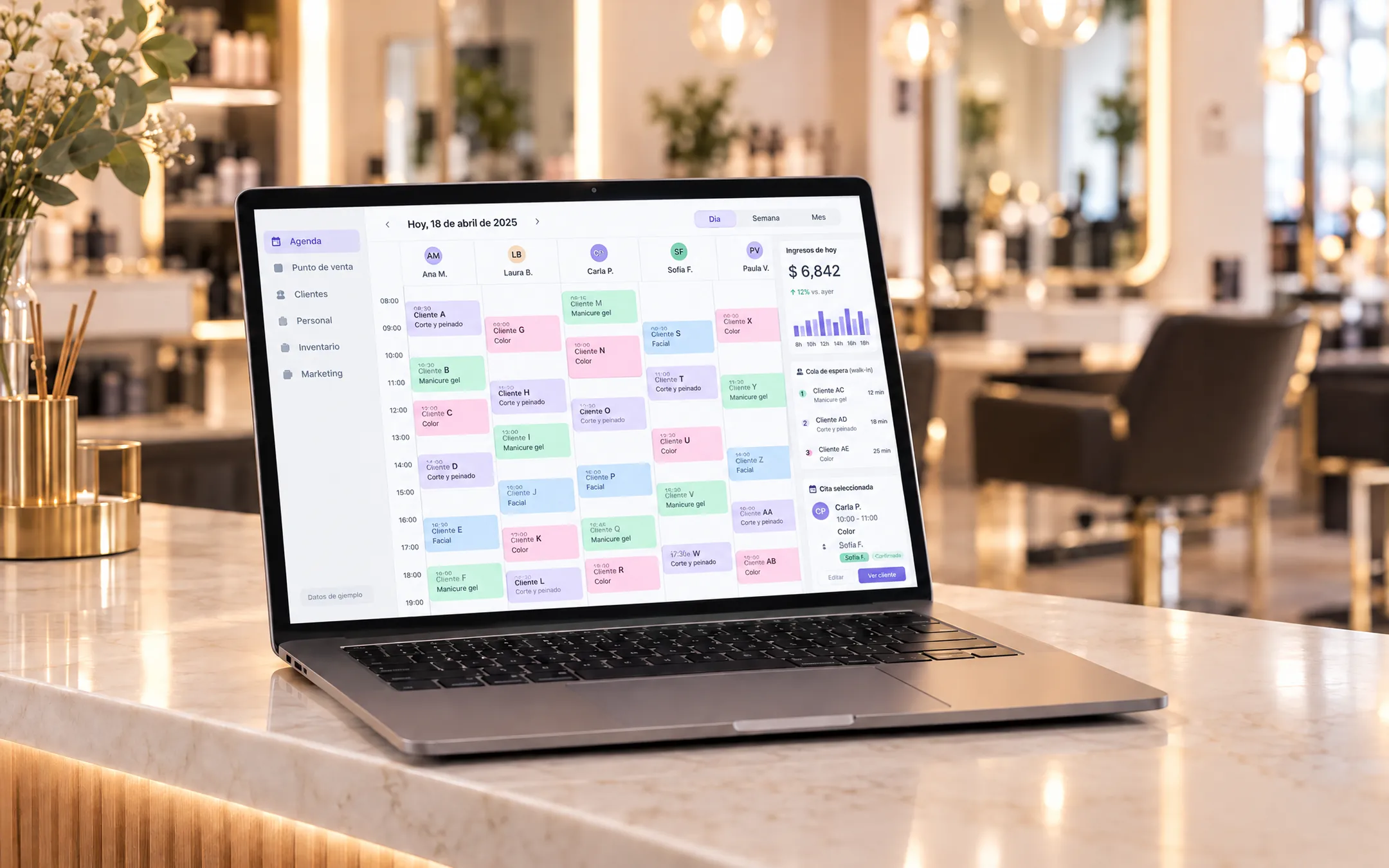 ERP and operations · 6 min readIs it worth building my own subscription software (SaaS) for my industry?Building your own SaaS makes sense when you know an industry's problems well, existing tools do not solve them and you can charge a subscription to several businesses. If you only need to organize your own operation, a custom system for your company is more direct and cheaper than a product with accounts, plans and billing.Read the answer →