 DARK MATTER
ERP and operations · 6 min read · Updated
When does custom human resources software make sense?
Short answer
Custom human resources software makes sense when your shifts, commissions or pay rules don't fit a commercial product, especially across several locations. If your payroll is simple and fixed, a commercial product is usually enough. The clearest sign is someone spending hours each pay period correcting by hand what the system can't calculate.
Also asked as
- What HR software does a multi-location business need?
- How do I track employee shifts and attendance across locations?
- Custom payroll system with commissions.
What HR software covers
HR software brings together each employee's information: details, contract, schedules, attendance, time off, pay and documents. Its job is to let the owner and the supervisor know who worked, what they are owed and why, without relying on separate spreadsheets.
When a commercial product is enough
- Your staff works fixed schedules on a salary with no variables.
- You have one location, or all follow the same rules.
- The product already includes the payroll rules for your country or state.
- You don't need staff data tied to sales or inventory.
When to build it custom
Your own system is justified when pay depends on operations. For example, when people are paid by the hour plus commission, when an employee rotates between locations or when each shift's cash count affects what they receive.
It also pays off when several people enter the same data in different systems. Putting sales, shifts and pay in one place removes that double entry and the arguments over which number is right.
What it should include for several locations
- Shift clock-in per location, from a phone or the point of sale.
- Schedules and change requests approved by a supervisor.
- Pay calculated by hour, commission or both.
- Roles so each supervisor sees only their location.
- A history of every change, with who made it and when.
- Reports per location and employee, exportable to PDF and Excel.
What drives the cost
Cost depends on how many pay rules exist, the number of locations and roles, and whether a time clock, point of sale or accounting system must be connected. It's best to start with the process that takes the most hours, usually shifts and pay calculation, and add the rest in phases.
What not to leave to chance
Labor and tax rules change by country and state. A system calculates what it is configured to calculate, so an accountant or employment lawyer should validate the rules before they are used to pay anyone.
Staff data is sensitive: access must be limited by role and every view or change should be logged.
How we solved it
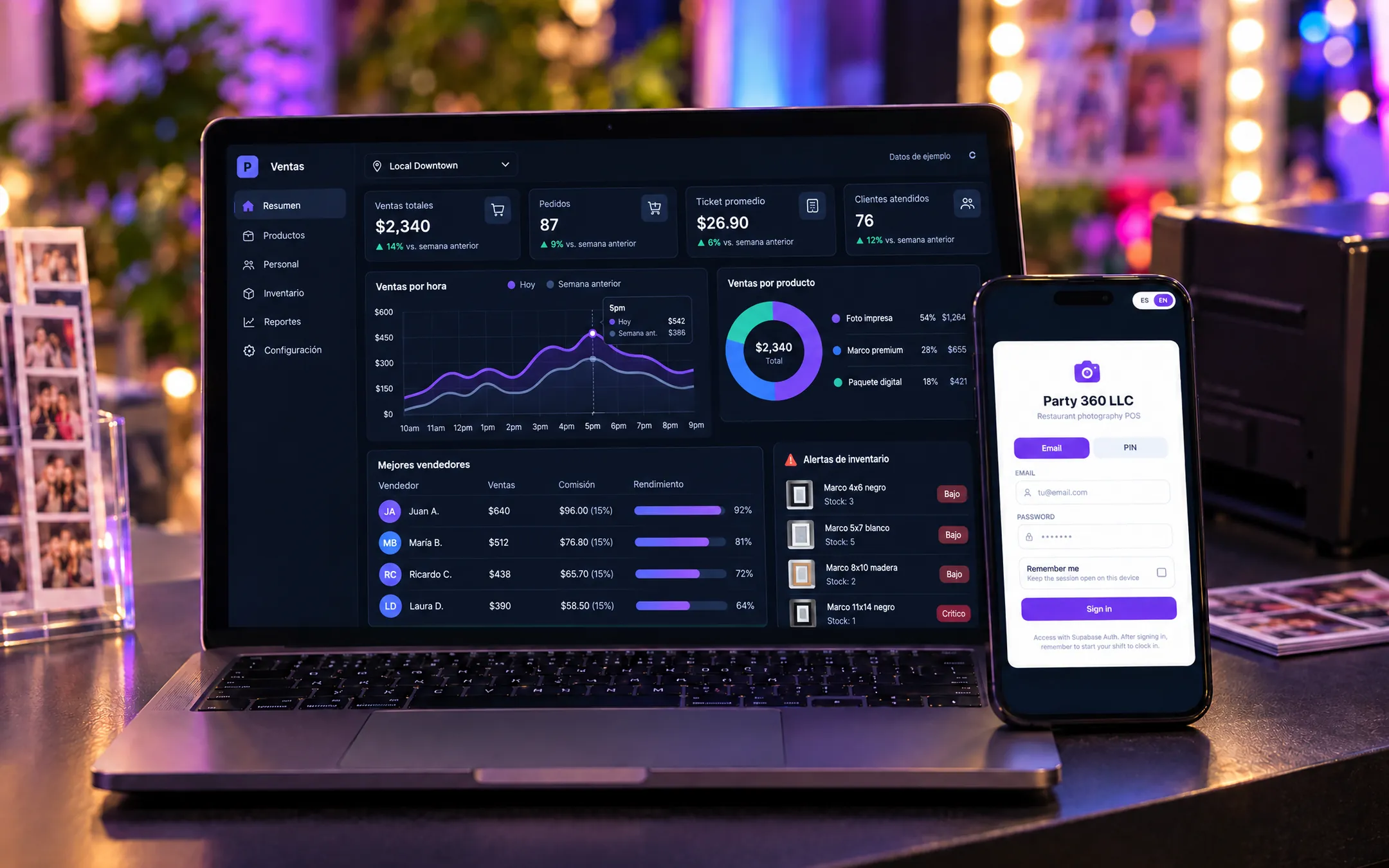 HospitalityParty 360 POSFor an event photo business operating inside restaurants across several cities, we built a platform where each seller clocks in at a location and closes out cash, with hourly-plus-commission payroll, staff schedules and reports per location and employee.See the project →
Illustrative image with sample data; the real screens are private to the client.
Related questions
Can it connect to the point of sale?
Yes. When sales and shifts are in the same system or connected, commissions are calculated from each shift's real sales.
Does it work for employees who change locations?
Yes. Shifts are recorded per location, so one person can work at several and the cost is assigned to each.
Does the system replace my accountant?
No. It organizes the information and runs the configured calculations, but labor and tax rules must be validated by a professional in your country or state.
Does your business have this question?
Walk us through your operation in a free assessment and get a written proposal with scope, phases, timeline and investment.
Keep reading
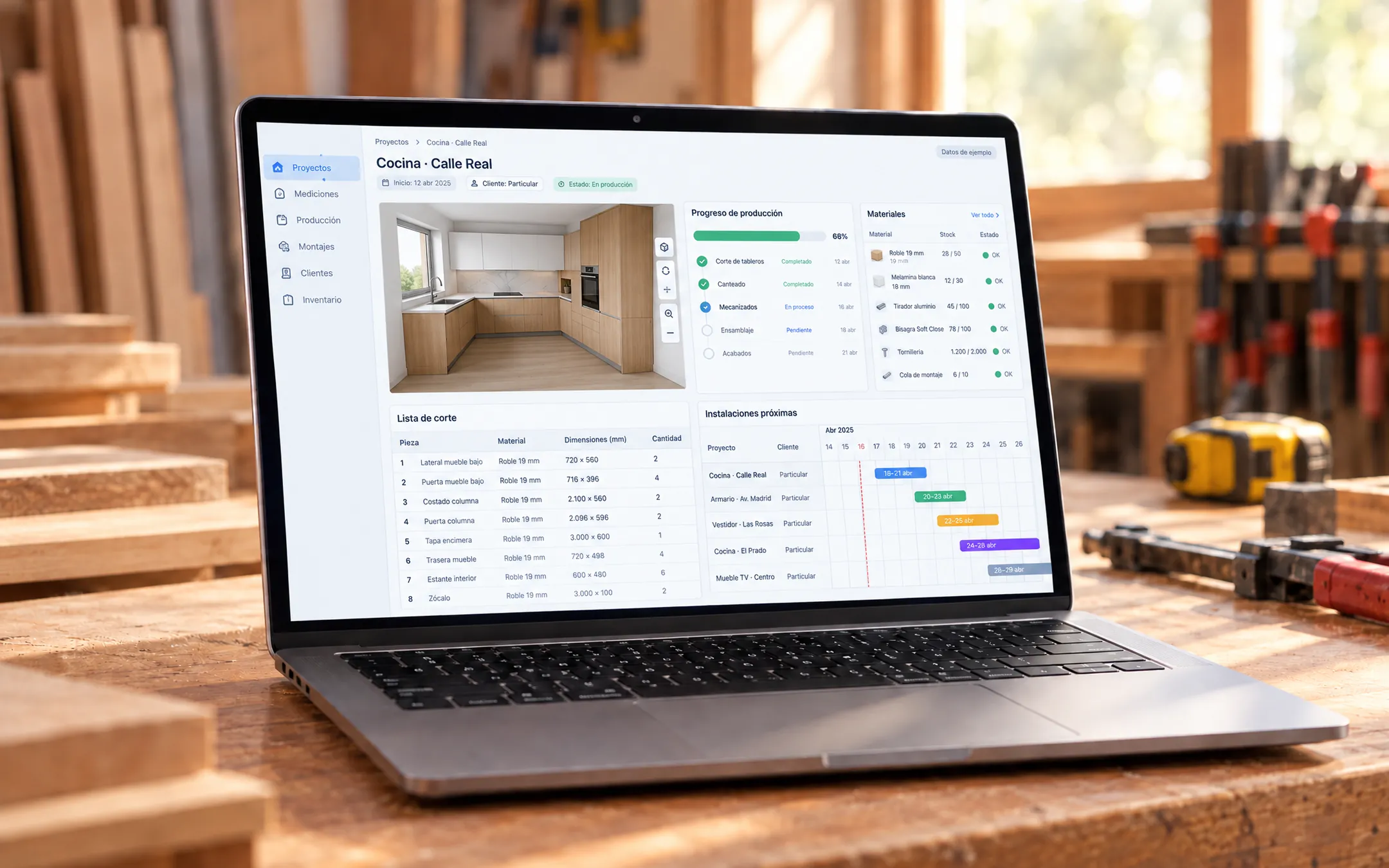 ERP and operations · 6 min readHow much does an ERP cost, and what drives the price?The price of an ERP depends on how many processes it covers, how many people use it, how many integrations it needs and how much data must be migrated. That's why a figure without a scope means little: two systems called ERP can do very different things. What you should compare is the total cost over several years, not just the starting price.Read the answer →ERP and operations · 6 min readWhat is a custom ERP, and is it worth it for a small business?A custom ERP is a management system built around your company's processes: sales, inventory, production, purchasing, billing and reports on one platform. It pays off for a small business when its way of working does not fit an off-the-shelf ERP without paying for unused modules or still relying on spreadsheets.Read the answer →
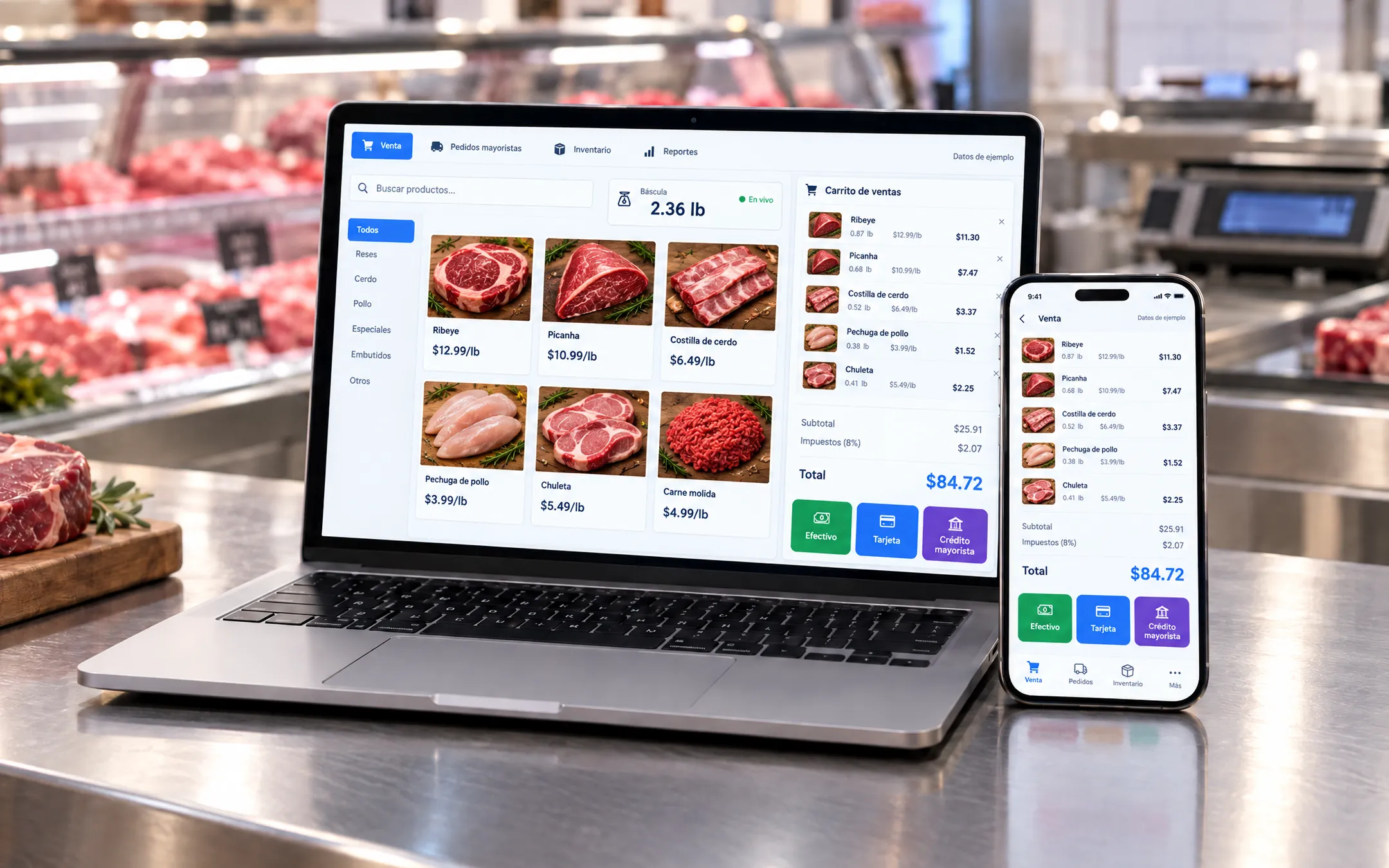 ERP and operations · 5 min readWhich inventory system fits my business: off-the-shelf or custom?An off-the-shelf inventory system fits if your products are counted by unit and your process is standard. A custom one fits when you sell by weight or by the box, give customers credit, run several warehouses or locations, or need inventory connected to your POS, purchasing and reports without retyping data.Read the answer →