 DARK MATTER
ERP and operations · 6 min read · Updated
What software do I need to dispatch my field technicians?
Short answer
To dispatch your field technicians you need software with four connected pieces: a dispatch dashboard with a map, a technician app, job tracking for the customer and payment with a report at close. If you coordinate by phone and messages today, the first step is to map how a job travels from request to payment and build the system around that path.
Also asked as
- Dispatch software for home service companies
- Field technician app with checklist and customer signature
- How to know where my technician is and assign the next job
What software do I need to dispatch my field technicians
A dispatch system connects four things: who requests the service, who handles it, where each technician is and how the job is closed. When those pieces live in calls, spreadsheets and chats, the dispatcher loses time asking around and the customer never knows when anyone is arriving.
The four pieces of the system
- Service booking or request, with the data the technician needs before leaving.
- Dispatch dashboard with a map, zones and each technician's availability.
- Technician app with a job list, checklist, photos and customer signature.
- Payment, digital report and rating when the job closes.
Dispatch: assigning without calling anyone
The dispatcher sees on a map where each unit is, which jobs it has and which zones it covers. With that view, they assign the job to the closest or available technician without calling first. If each technician drives a van, the vehicle's GPS tracking feeds the map.
The technician app: what it must solve on the road
A technician app works if it is quick to use with one hand and on a weak signal. It should show the day's jobs, guide the technician with a checklist, save photos or video as evidence and collect the customer's signature at the end. If the technician also uses tools such as an OBD2 reader or carries inventory in the van, that data should land in the system too.
What the customer sees
The customer wants to know when the technician arrives and what was done. Live tracking, phone notifications and a digital report at close cut follow-up calls and leave a record of the work.
Off-the-shelf or custom software
Off-the-shelf dispatch software works if your process is standard. A custom system makes sense when your service has its own steps, such as quoting with photos, handling zones, connecting your trackers or charging in a specific way. Cost depends on how many of the four pieces you need, the integrations and whether it includes a mobile app; we define it in a written proposal after a free assessment.
How we solved it
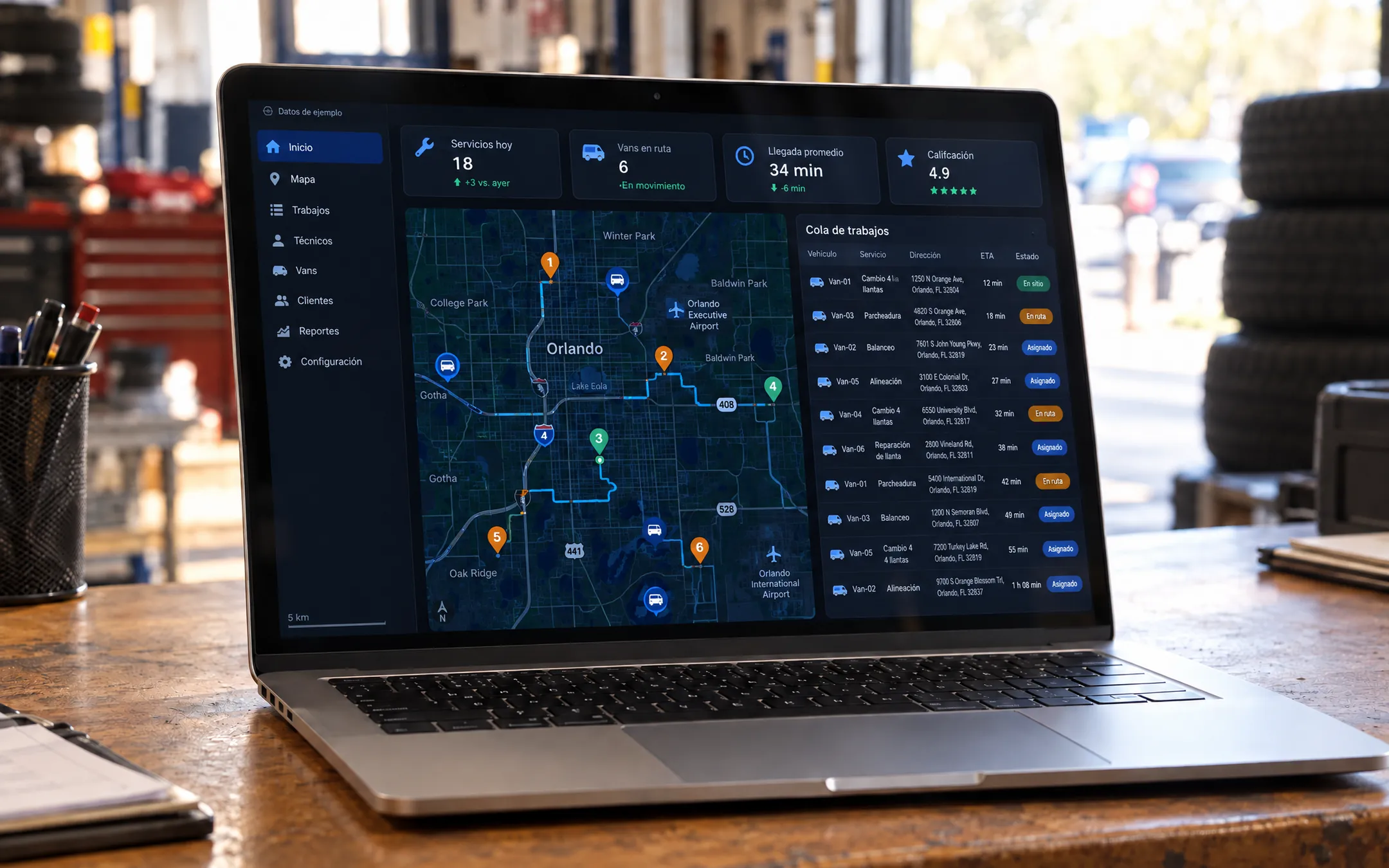 AutomotiveOrlando TiresFor Orlando Tires we built an on-demand tire service platform: the customer books in a guided 7-step flow with an instant quote and payment, and follows the technician live. Technicians use an app with checklists, photo or video evidence, OBD2 diagnostics and digital signature, while an admin console handles dispatch on a map with zones, schedules, payments and inventory, and a custom GPS server shows each van instantly.See the project →
Illustrative image with sample data; the real screens are private to the client.
Related questions
Do I need GPS in the vehicles to dispatch?
It is not required, but it helps a lot: with live location you assign the closest technician. We review it in the assessment based on the vehicles and trackers you have.
Does the technician app work on iPhone and Android?
It can be built for both. We define it in the proposal based on how your team works and which devices it uses.
Can I start with just one part?
Yes. Many companies start with the dispatch dashboard and the technician app, and add customer tracking and payments in a second phase.
Does your business have this question?
Walk us through your operation in a free assessment and get a written proposal with scope, phases, timeline and investment.
Keep reading
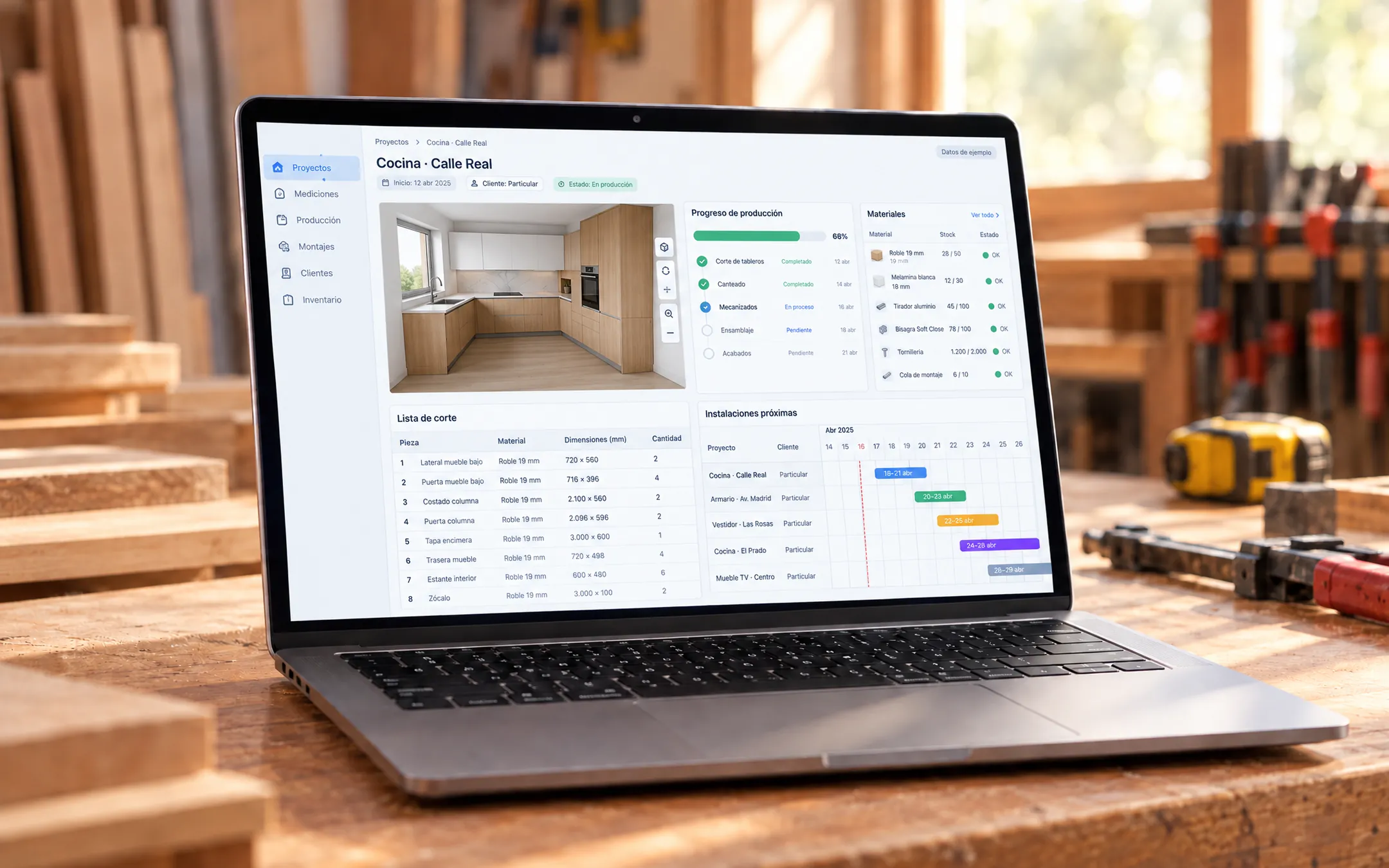 ERP and operations · 6 min readWhat is a custom ERP, and is it worth it for a small business?A custom ERP is a management system built around your company's processes: sales, inventory, production, purchasing, billing and reports on one platform. It pays off for a small business when its way of working does not fit an off-the-shelf ERP without paying for unused modules or still relying on spreadsheets.Read the answer →
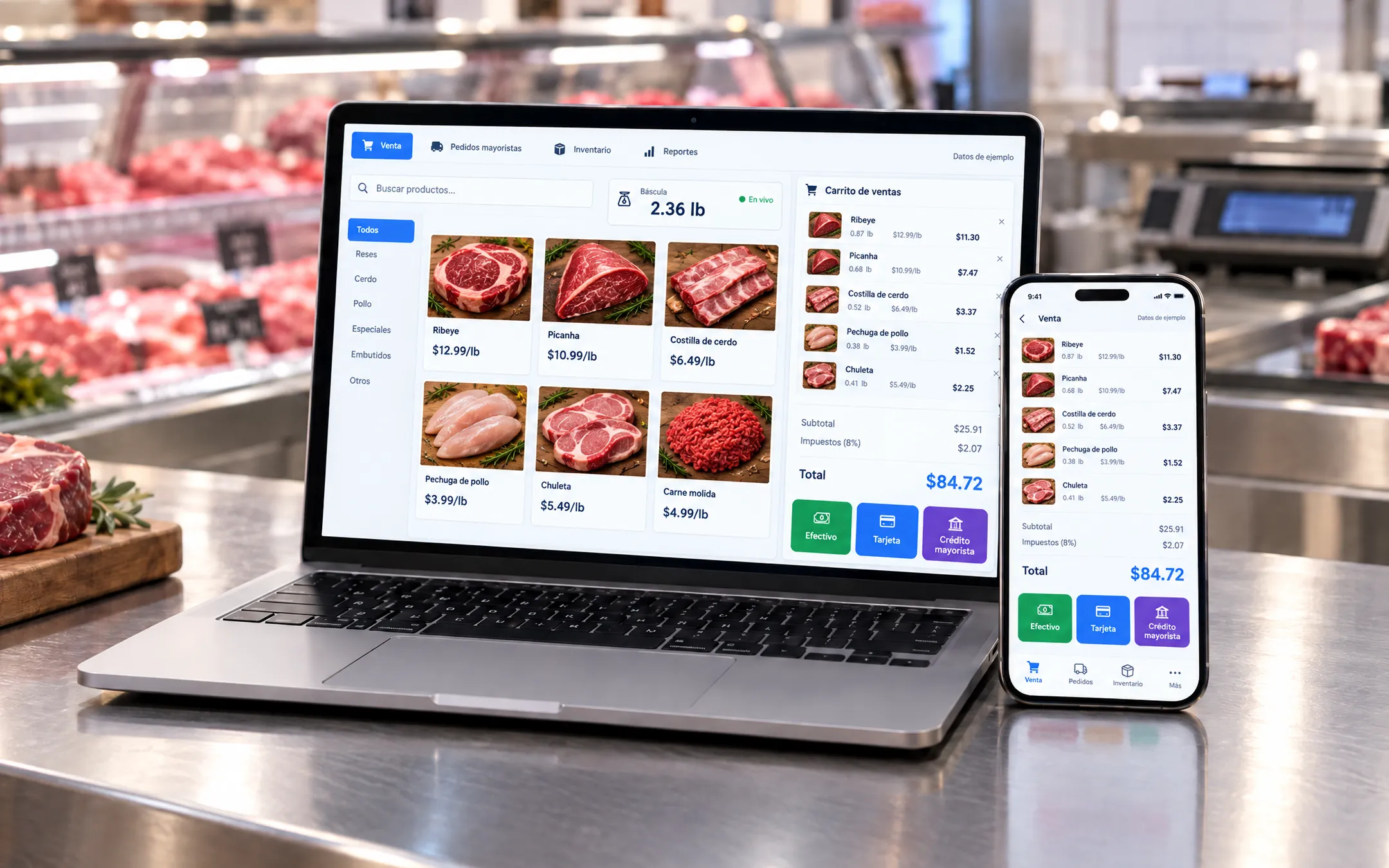 ERP and operations · 5 min readWhich inventory system fits my business: off-the-shelf or custom?An off-the-shelf inventory system fits if your products are counted by unit and your process is standard. A custom one fits when you sell by weight or by the box, give customers credit, run several warehouses or locations, or need inventory connected to your POS, purchasing and reports without retyping data.Read the answer →
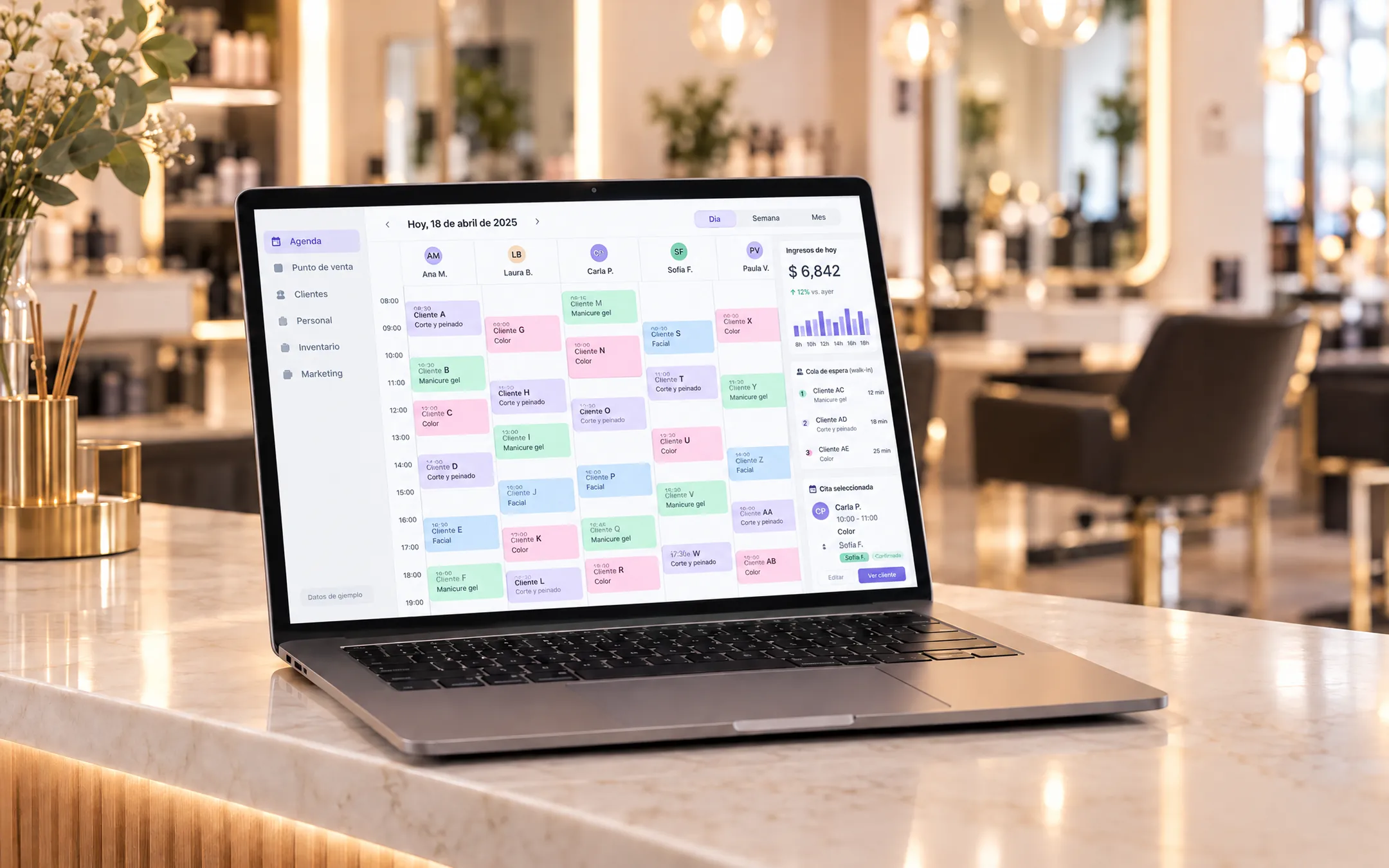 ERP and operations · 6 min readIs it worth building my own subscription software (SaaS) for my industry?Building your own SaaS makes sense when you know an industry's problems well, existing tools do not solve them and you can charge a subscription to several businesses. If you only need to organize your own operation, a custom system for your company is more direct and cheaper than a product with accounts, plans and billing.Read the answer →