 DARK MATTER
ERP and operations · 5 min read · Updated
What software does a food distributor or wholesale butcher need to manage credit orders?
Short answer
A food distributor or wholesale butcher needs software that keeps wholesale orders, sales by weight or by case, credit invoices with their payments and inventory in one place. Off-the-shelf software is enough if you sell by unit and get paid at the time of sale; a custom system makes sense when you sell by the pound, extend credit to restaurants and today track accounts on notes or spreadsheets.
Also asked as
- Software for food distributors
- Software for butcher shops
- Program to track accounts receivable for wholesale customers
What food distributor software should do
- Wholesale orders with prices different from the counter.
- Sales by the pound, by the case or by the lot.
- Credit invoices with due dates and payments.
- A statement per customer, ready to send.
- Supplier purchases and returns.
- Cash closing and reports by day, product and customer.
- Role-based access for admins, supervisors and cashiers.
Why credit for restaurants is the hard part
Selling on credit means knowing at any moment how much each customer owes, which invoices are still open and which are overdue. When that lives on notes or a spreadsheet, payments get lost and collecting becomes an argument from memory.
A system that records each invoice and each payment builds the statement on its own and shows you who to call first.
Sales by weight and by case: where generic software breaks
Many point-of-sale programs assume products are counted by unit. When the same product is sold by the pound to the public and by the case to a restaurant, at different prices, inventory stops adding up unless the system understands both units.
Off-the-shelf software or a custom system
Off-the-shelf software works if you sell mostly by unit, get paid at the time of sale and have a standard process. What matters is that your team uses it every day.
A custom system makes sense when you handle wholesale credit, mixed selling units, several access levels, or need to connect the point of sale with inventory and PDF or Excel reports.
What drives the cost
It depends on how many sale types and units it handles, whether it includes credit and statements, how many users and locations there are, the hardware (ticket printer, scale) and how much data must be migrated from spreadsheets. We do not give loose figures: after a free assessment you get a written proposal with scope, phases and investment.
What we check first in an assessment
We follow one order from the moment it arrives until it is paid: how it is taken, how it is weighed, how it is invoiced, who grants credit and how a payment is recorded. That shows whether the problem is sales, inventory or collections.
How we solved it
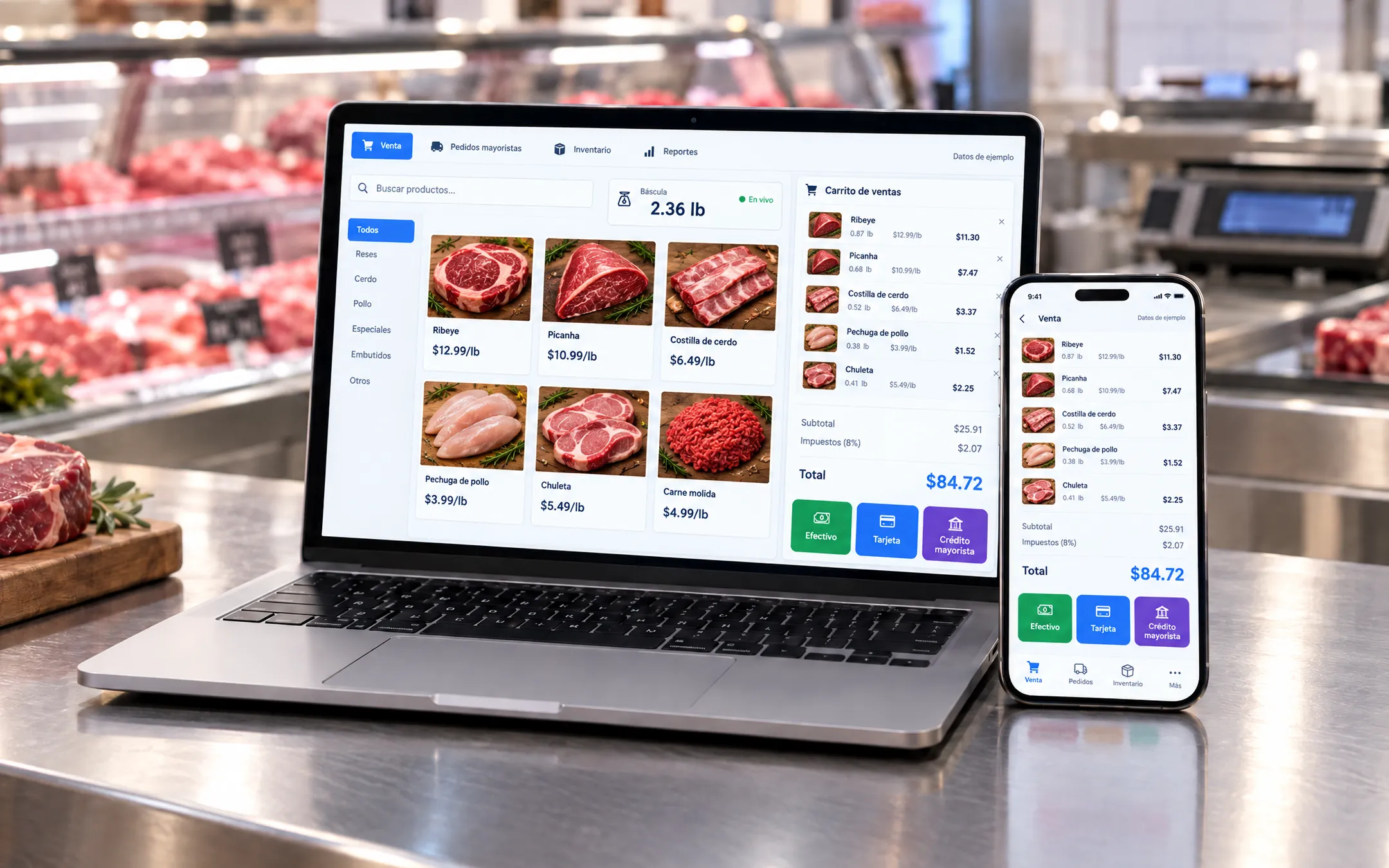 Food retailL&J Premium MeatsFor L&J Premium Meats, a Latin butcher shop in Manhattan, we built a custom POS that handles walk-in retail and wholesale orders for restaurants: sales by the pound or by the box, credit invoices with statements, supplier purchases, returns, cash closing and reports, with role-based access. Before, sales and restaurant accounts were kept on notes and spreadsheets.See the project →
Illustrative image with sample data; the real screens are private to the client.
Related questions
Can I start with customer credit only?
Yes. It is common to start with credit invoices and statements, and add purchases, inventory and reports in later phases.
Does it work for a small butcher shop with one location?
Yes. A small shop also benefits from knowing how much each restaurant owes and from having inventory and cash closing in one system.
Can it connect to a scale and a ticket printer?
It is possible. The first step is reviewing which models you use and how they communicate, to confirm how to integrate them with the point of sale.
Does your business have this question?
Walk us through your operation in a free assessment and get a written proposal with scope, phases, timeline and investment.
Keep reading
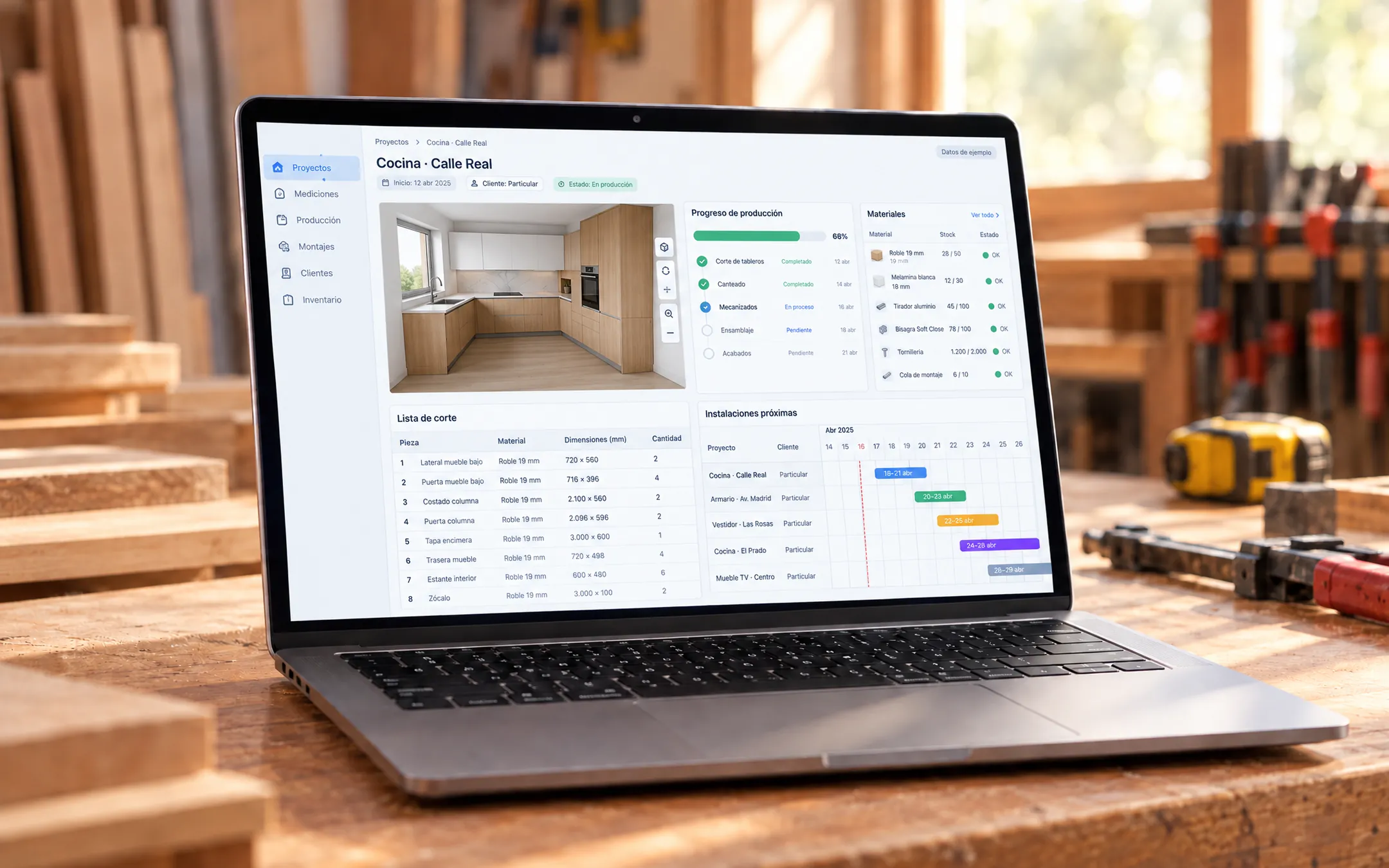 ERP and operations · 6 min readWhat is a custom ERP, and is it worth it for a small business?A custom ERP is a management system built around your company's processes: sales, inventory, production, purchasing, billing and reports on one platform. It pays off for a small business when its way of working does not fit an off-the-shelf ERP without paying for unused modules or still relying on spreadsheets.Read the answer →ERP and operations · 5 min readWhich inventory system fits my business: off-the-shelf or custom?An off-the-shelf inventory system fits if your products are counted by unit and your process is standard. A custom one fits when you sell by weight or by the box, give customers credit, run several warehouses or locations, or need inventory connected to your POS, purchasing and reports without retyping data.Read the answer →
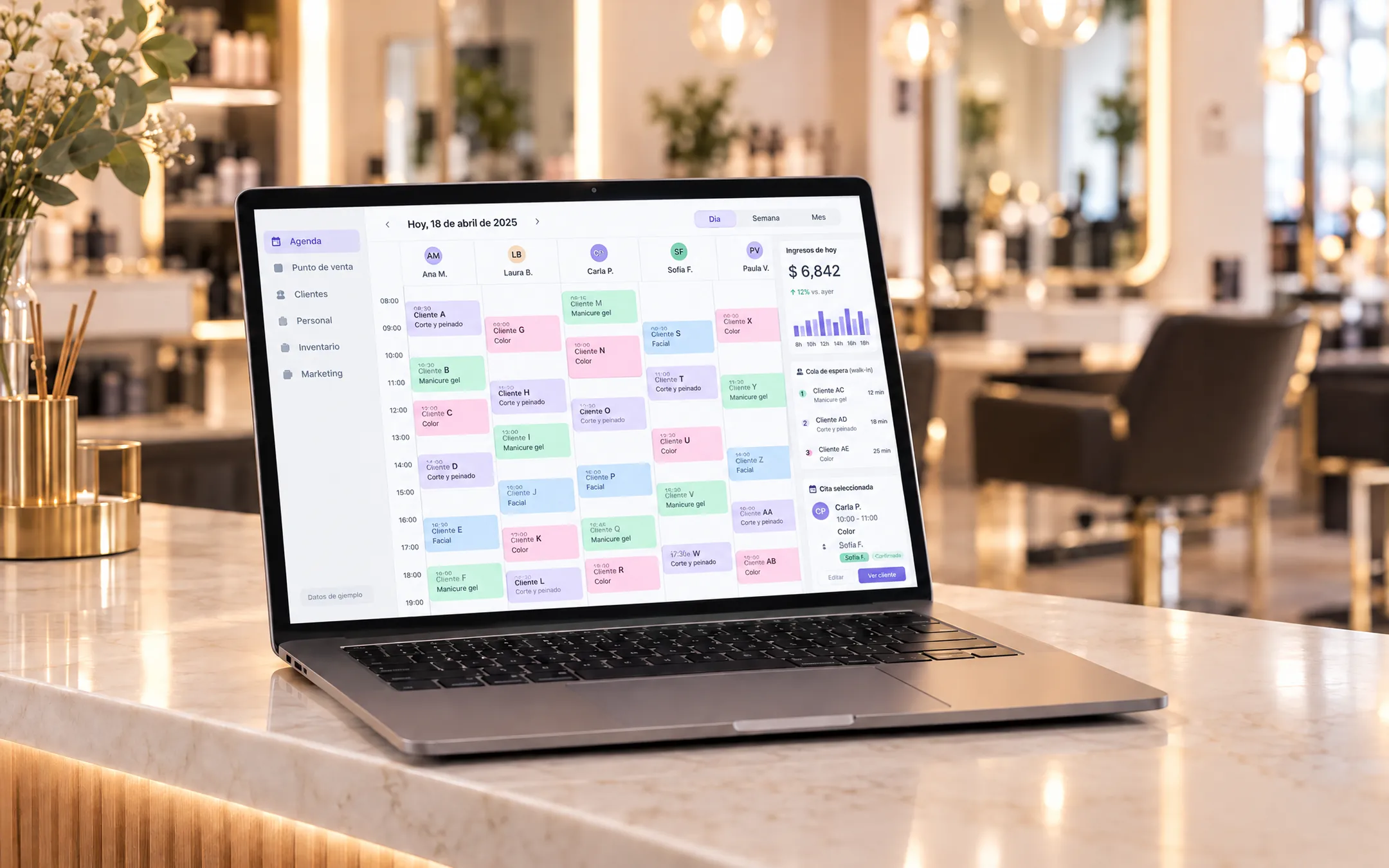 ERP and operations · 6 min readIs it worth building my own subscription software (SaaS) for my industry?Building your own SaaS makes sense when you know an industry's problems well, existing tools do not solve them and you can charge a subscription to several businesses. If you only need to organize your own operation, a custom system for your company is more direct and cheaper than a product with accounts, plans and billing.Read the answer →