 DARK MATTER
ERP and operations · 5 min read · Updated
What software does an eye clinic with an optical store need to manage patient records, appointments and sales?
Short answer
An eye clinic with an optical store needs software that brings the patient record, the appointment calendar, the sale of lenses and frames, and billing into one system. Off-the-shelf clinic software is enough if your operation is standard; a custom system makes sense when the clinical exam and the optical sale live in separate tools today and data is copied by hand from one to the other.
Also asked as
- Software for ophthalmology clinics
- Optical store system with patient records
- Optometry practice software with scheduling and billing
What eye clinic software with an optical store should do
- Electronic patient records with each exam.
- Appointment calendar by doctor, room and time.
- Sales of lenses, frames and accessories tied to the prescription.
- Billing and payment tracking.
- Reports by period, doctor and type of service.
- Role-based access for doctors, front desk and optical sales staff.
Why separating the clinic from the optical store creates double work
When the patient record lives in one program and the optical sale in another, someone has to copy the prescription by hand. Each copy is a chance for an error and a wait for the patient.
A system that connects both sides lets the prescription from the exam reach the sale without being typed again.
Appointments: more than a calendar
A good calendar knows which doctor is seeing patients, how long each type of visit lasts and which patients are still due back. When appointments live on paper or in a generic calendar, it is hard to see gaps and the patients who never returned.
Off-the-shelf software or a custom system
Off-the-shelf software works if your clinic follows a standard flow and you do not need to connect the optical store to the patient record in a particular way. What matters is that doctors and front desk use it every day.
A custom system makes sense when your flow is your own, when you want the exam, the prescription and the sale to share the same data, or when you have several offices and want to see them in one place.
Patient data: what to review before choosing
A patient record holds sensitive information. Before choosing a system, define who can view and edit each piece of data, where records are stored and how they are backed up. Legal obligations around health data depend on your practice and your state, so they are reviewed with your legal advisor before going live.
What drives the cost
It depends on how many exam types and clinical forms it handles, whether it includes the optical store and its inventory, how many doctors, offices and users there are, billing, and how much data must be migrated from paper or spreadsheets. We do not give loose figures: after a free assessment you get a written proposal with scope, phases and investment.
How we solved it
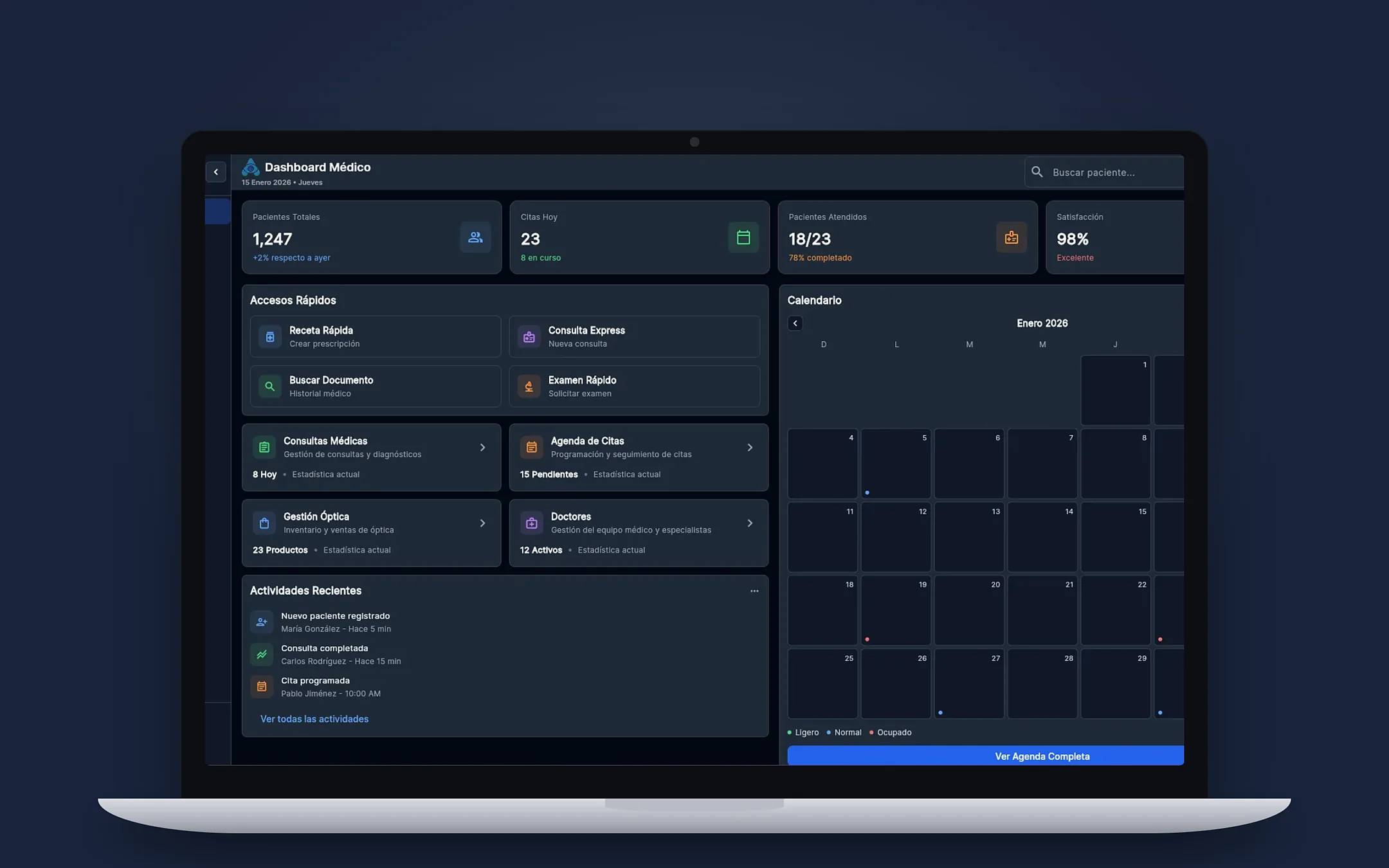 HealthcareAnamnesySoftAnamnesySoft is a practice management system for eye care professionals that we built for ophthalmology clinics and optical stores. It brings together a clinical suite with electronic records, optical store integration, appointment scheduling, and financial and billing management, to connect clinical exams with the business side. It is built with Flutter and Firebase and runs across platforms.See the project →
Related questions
Can I start with records and appointments only?
Yes. It is common to start with patient records and the calendar, and add the optical store and billing in later phases.
Does it work for a single office?
Yes. A small office also benefits from having records, appointments and sales in one place instead of paper and several tools.
Can the data I already have be brought over?
It is possible. First we review the format of your current records, to define what is migrated and how.
Does your business have this question?
Walk us through your operation in a free assessment and get a written proposal with scope, phases, timeline and investment.
Keep reading
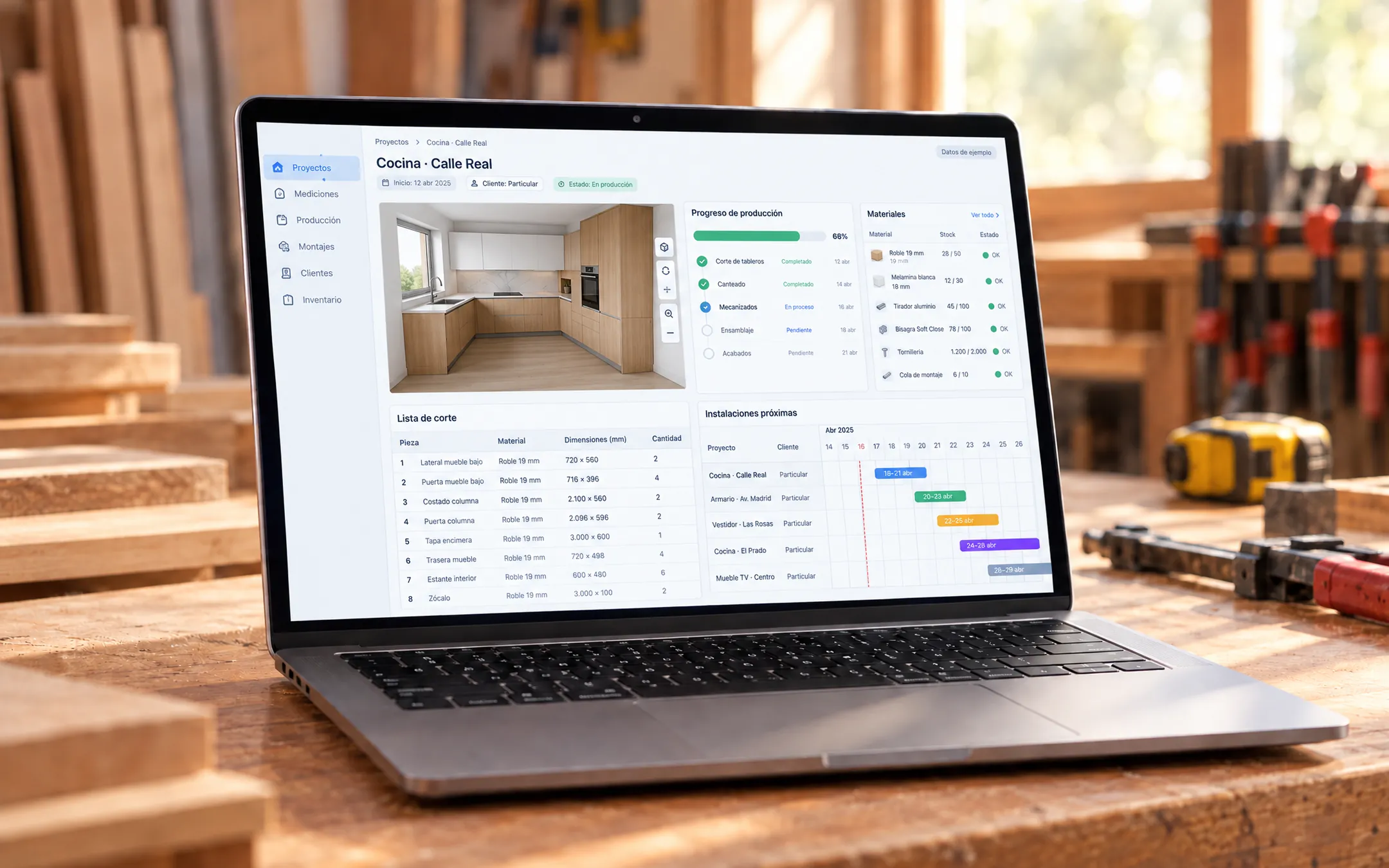 ERP and operations · 6 min readWhat is a custom ERP, and is it worth it for a small business?A custom ERP is a management system built around your company's processes: sales, inventory, production, purchasing, billing and reports on one platform. It pays off for a small business when its way of working does not fit an off-the-shelf ERP without paying for unused modules or still relying on spreadsheets.Read the answer →
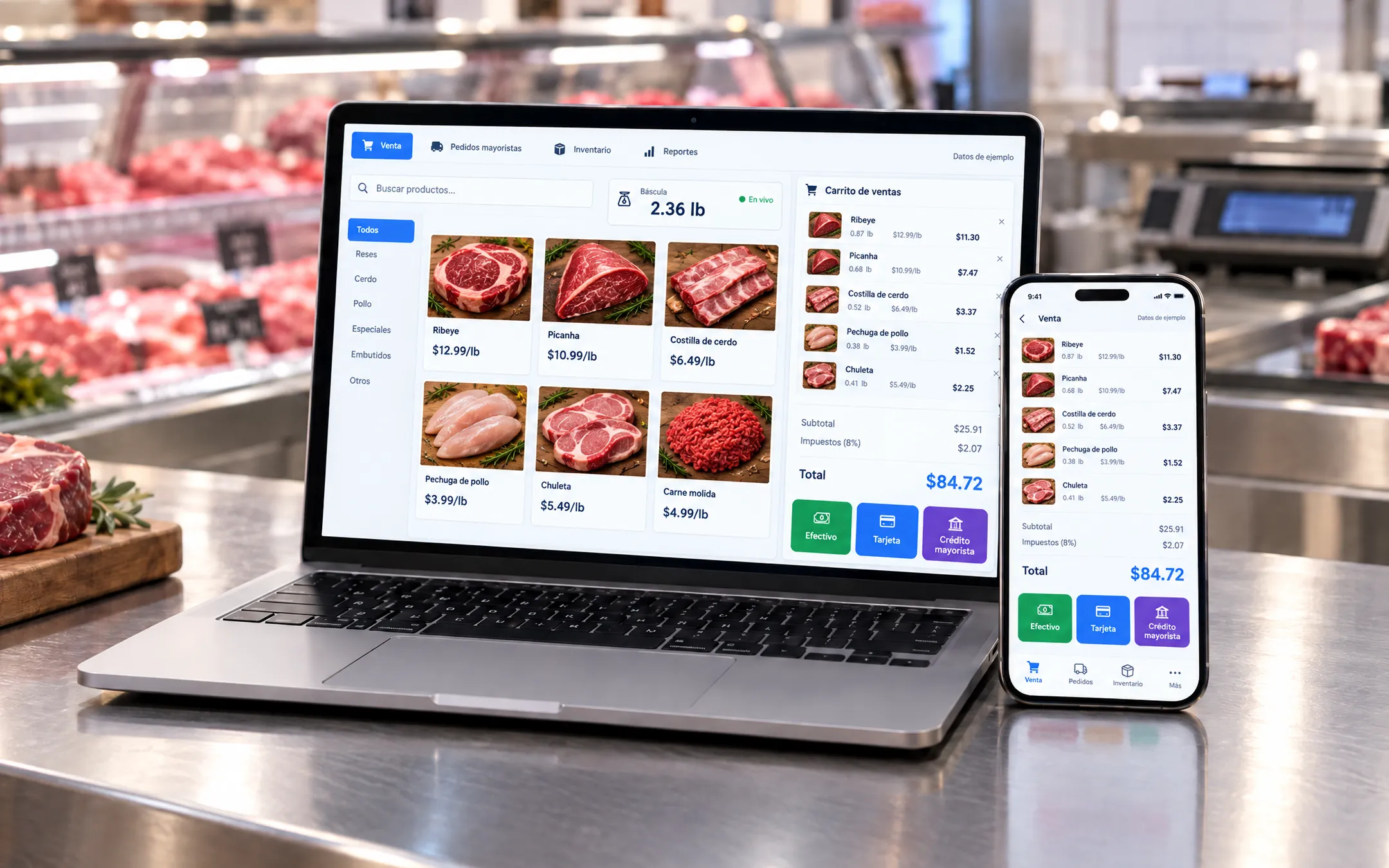 ERP and operations · 5 min readWhich inventory system fits my business: off-the-shelf or custom?An off-the-shelf inventory system fits if your products are counted by unit and your process is standard. A custom one fits when you sell by weight or by the box, give customers credit, run several warehouses or locations, or need inventory connected to your POS, purchasing and reports without retyping data.Read the answer →
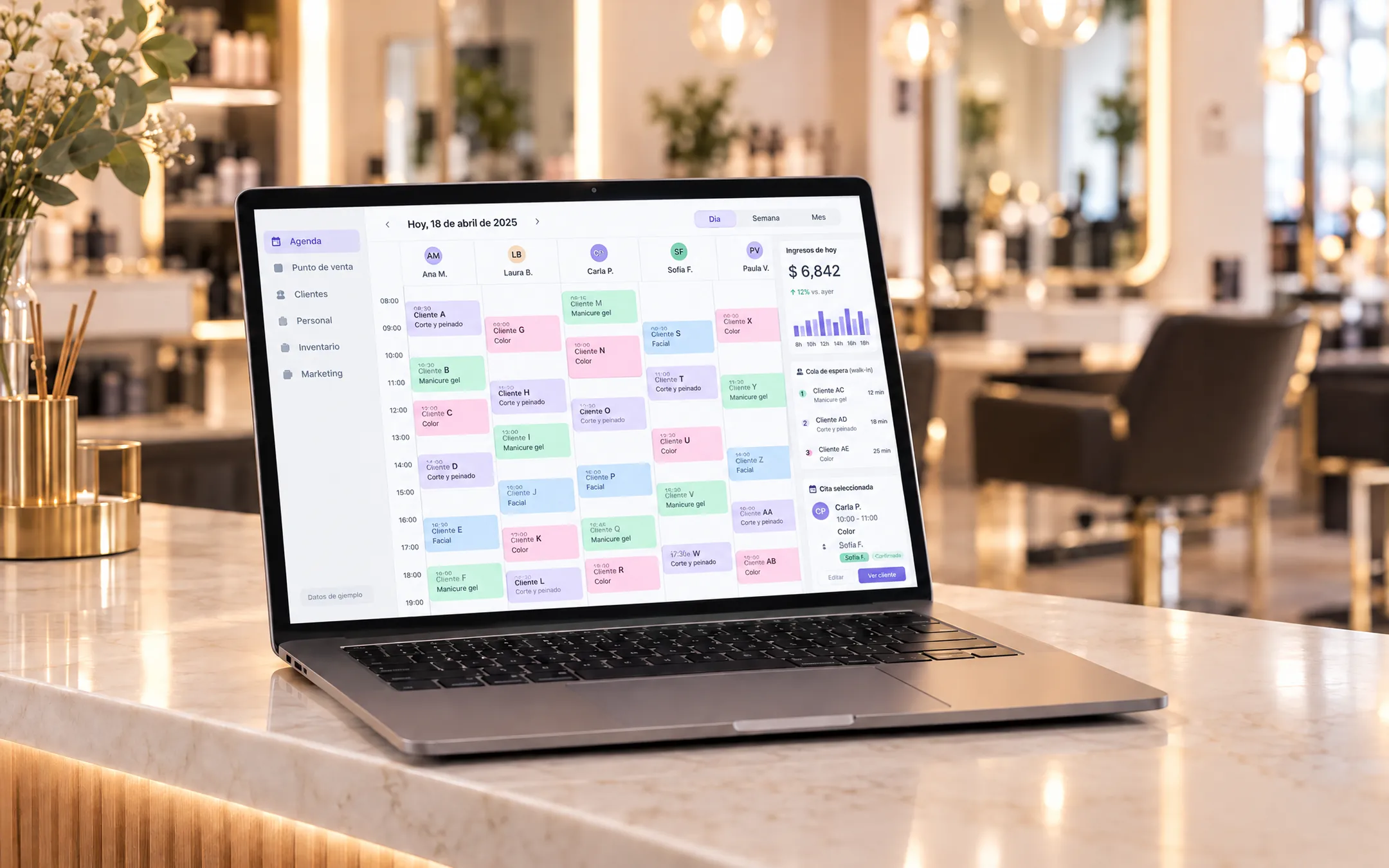 ERP and operations · 6 min readIs it worth building my own subscription software (SaaS) for my industry?Building your own SaaS makes sense when you know an industry's problems well, existing tools do not solve them and you can charge a subscription to several businesses. If you only need to organize your own operation, a custom system for your company is more direct and cheaper than a product with accounts, plans and billing.Read the answer →