 DARK MATTER
ERP and operations · 6 min read · Updated
What software does my company need to manage construction and field projects?
Short answer
A construction, remodeling or installation company needs software that gives every job a digital file: measurements, quotes, photos, progress, materials and a signed delivery, reachable from a phone on site. If your way of working has its own stages, custom software fits better than a generic contractor ERP.
Also asked as
- What project management software suits a small construction company?
- ERP software for construction companies.
- How do I track my jobs without Excel or WhatsApp?
What problem job-tracking software solves
When measurements live in a notebook, quotes in Excel and photos in WhatsApp, nobody knows for sure what stage each job is in or what was promised to the customer. Job-tracking software puts everything in one file per project, with a history of who changed what and when.
What it should include
- A digital file per job, with clear stages: measurement, quote, execution and delivery.
- Versioned quotes, so you know what was approved and what changed.
- Photos, notes and documents captured from a phone on site.
- Separate roles: admin, supervisor, crew, installer and customer.
- Materials and inventory tied to each job.
- Digital delivery signature and a log of incidents and after-sales cases.
- A calendar and reports to see every job at once.
Contractor ERP or custom system
An off-the-shelf contractor ERP works when your process is the industry standard and your team can adapt to the software. A custom system pays off when your stages are your own: on-site measurement with sketches, shop production before installation, subcontractors or customer approvals per phase.
Who uses it, and from where
Most of the value is in the field, so the tool has to work well on a phone, with simple screens for whoever is on site and a full panel for the office. If your crew works where signal is poor, ask whether the app can capture data and sync it later.
What drives the cost and how to start
It depends on how many stages and roles the process has, whether it includes a field app and a web panel, and the integrations with accounting or invoicing. The recommended path is to start with the flow that loses the most today, usually measurement and quoting, and add production, calendar and a customer portal later. After a free assessment you get a written proposal with scope, phases, timeline and investment.
What we check first in an assessment
Following one real job from start to finish, we look for where information gets lost: what is written on paper, what is sent in chat and when someone has to ask again. That is the first module to build.
How we solved it
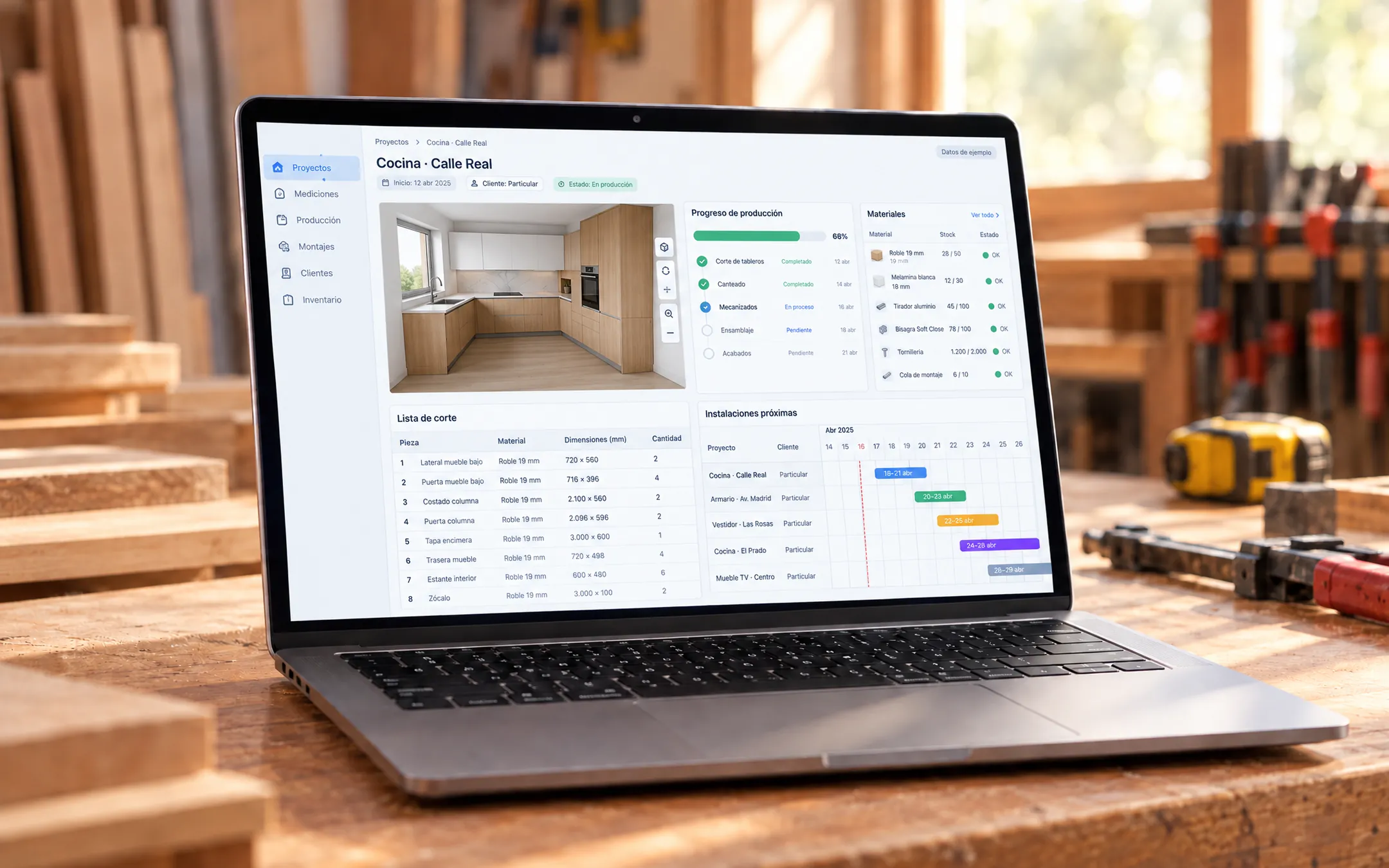 CarpentryMueco Ceuta · ERP y AppFor a carpentry business we built an ERP with an app, currently in development, that replaces paper forms, chats and loose photos with a digital project file: each job moves from measurement to production and installation, five roles share the same app and every change is validated by role and logged.See the project →
Illustrative image with sample data; the real screens are private to the client.
Related questions
Does it work for a small company with few jobs?
Yes. It can start with a single stage of the process and a few users, and grow in phases from real usage.
Can my customers see their job's progress?
Yes, if a customer role or portal is included: each one sees only their project, their documents and pending approvals.
Can I connect it to my accounting?
Yes. Quotes, payments and invoices can sync with tools such as QuickBooks so data is not entered twice.
Does your business have this question?
Walk us through your operation in a free assessment and get a written proposal with scope, phases, timeline and investment.
Keep reading
ERP and operations · 6 min readWhat is a custom ERP, and is it worth it for a small business?A custom ERP is a management system built around your company's processes: sales, inventory, production, purchasing, billing and reports on one platform. It pays off for a small business when its way of working does not fit an off-the-shelf ERP without paying for unused modules or still relying on spreadsheets.Read the answer →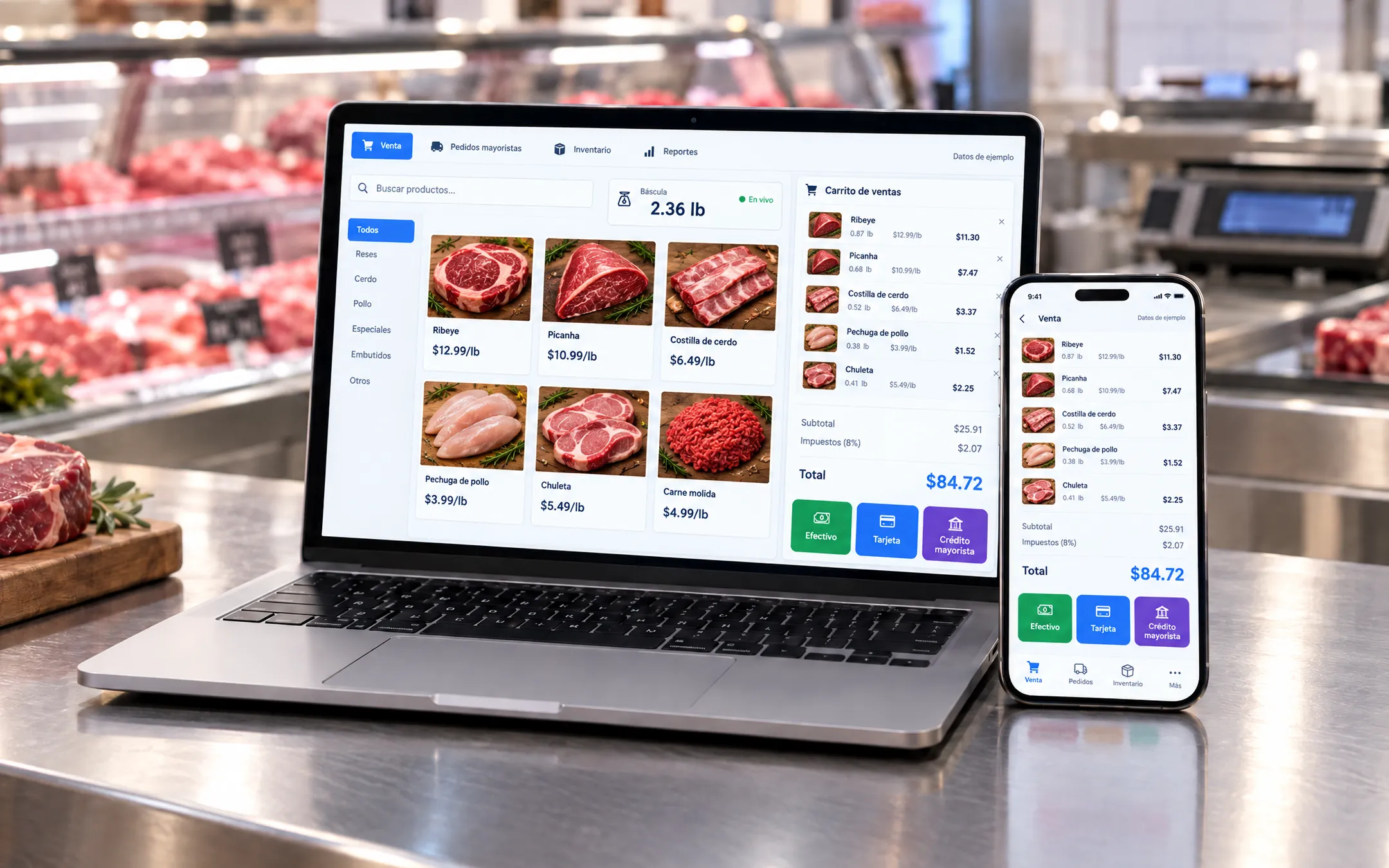 ERP and operations · 5 min readWhich inventory system fits my business: off-the-shelf or custom?An off-the-shelf inventory system fits if your products are counted by unit and your process is standard. A custom one fits when you sell by weight or by the box, give customers credit, run several warehouses or locations, or need inventory connected to your POS, purchasing and reports without retyping data.Read the answer →
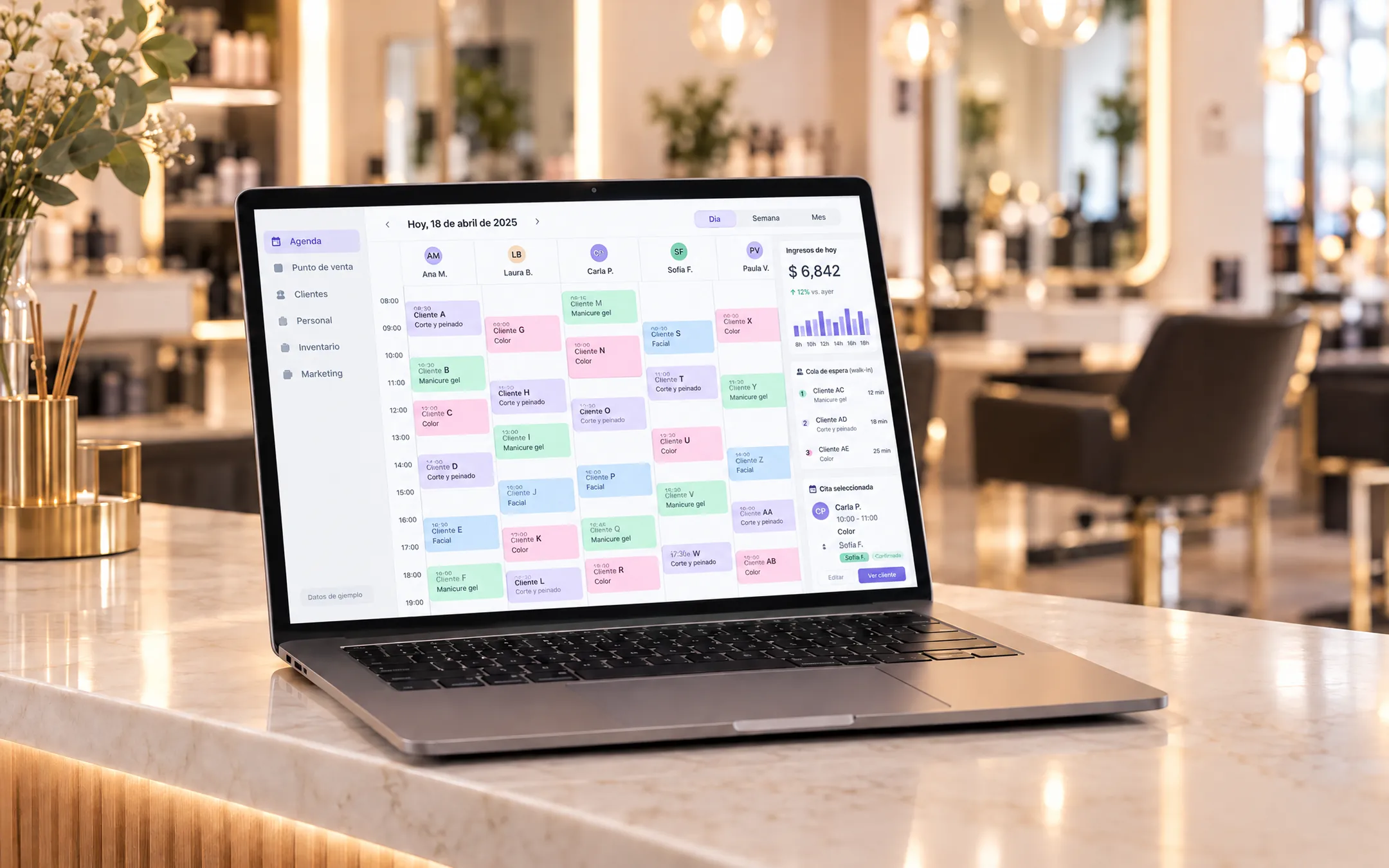 ERP and operations · 6 min readIs it worth building my own subscription software (SaaS) for my industry?Building your own SaaS makes sense when you know an industry's problems well, existing tools do not solve them and you can charge a subscription to several businesses. If you only need to organize your own operation, a custom system for your company is more direct and cheaper than a product with accounts, plans and billing.Read the answer →